

Streaming
Hulu VPN not working? Fix proxy errors in 8 steps (2026)
If Hulu VPN is not working, first identify the message: Hulu documents anonymous-proxy errors BYA-403-011 and P-EDU101, while buffering and account problems require different checks. Disconnect the VPN to confirm Hulu works normally, then reconnect, restart the app, clear cached data, and test another supported connection. This guide also covers Hulu ExpressVPN not working and device-specific issues.
Quick answer
Start by noting the exact Hulu error and testing Hulu with the VPN disconnected.
If Hulu works without it, reconnect to another permitted server, fully restart the Hulu app or browser, and clear Hulu cache and data. If ExpressVPN is not working with Hulu, update both apps and ask ExpressVPN support which troubleshooting steps apply to your device. NordVPN, ExpressVPN, and Surfshark are research options, not guaranteed fixes.
Why Hulu blocks your VPN
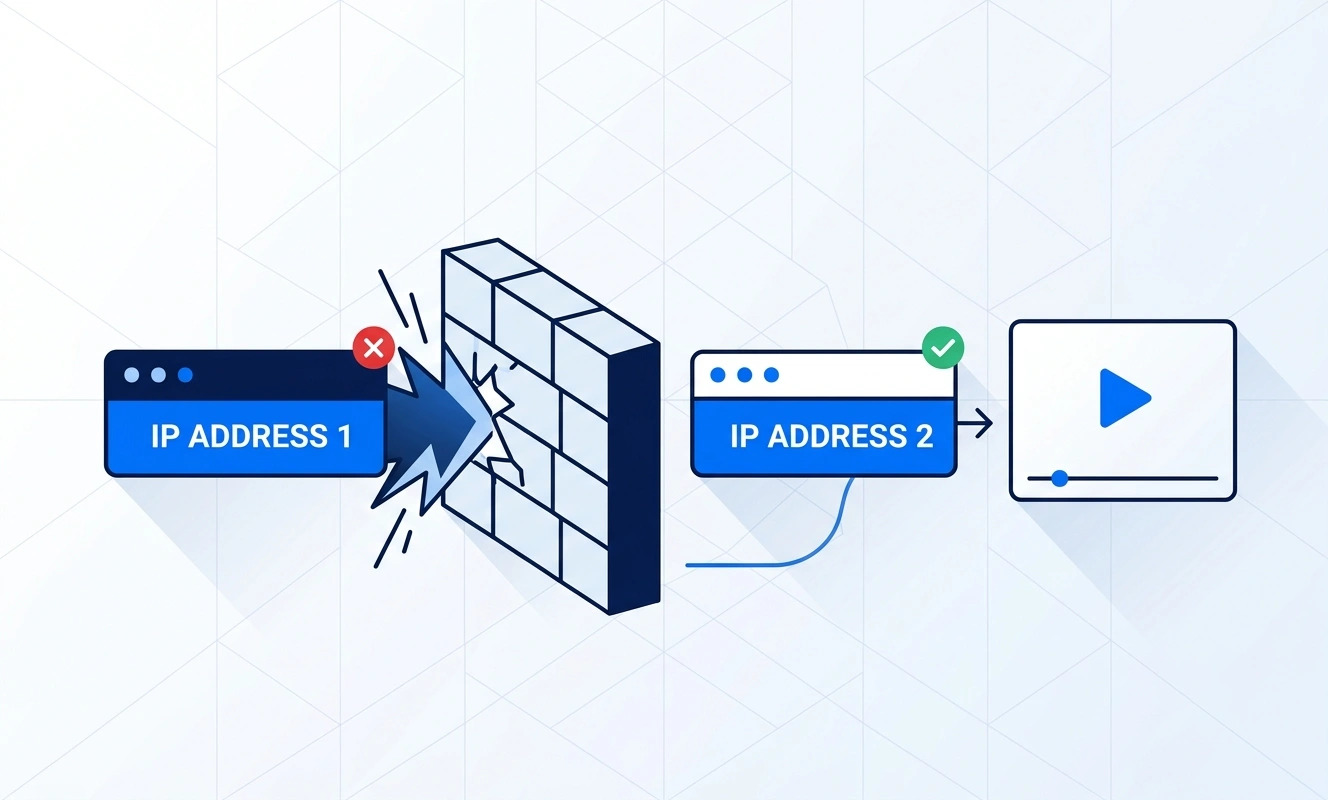
Hulu identifies anonymous-proxy conditions with errors such as BYA-403-011 and P-EDU101. The Help Center does not publish every detection signal, so an error should not be attributed to one server address with certainty. Location requirements, network configuration, cached app data, DNS behavior, device permissions, and account rules can all affect playback. The same logic appears across services, and our walkthrough of the Netflix proxy error uses the same approach.
Match the Hulu VPN error before changing settings
| BYA-403-011 | Anonymous proxy detected. Hulu associates this code with proxy conditions. Record the code, disconnect the VPN, restart Hulu, and confirm whether playback returns before changing DNS or device settings. |
| P-EDU101 | Another proxy-related message. Use Hulu's anonymous-proxy guidance first. If the error appears only with one VPN connection, give the provider the exact code, device, protocol, and server location. |
| Buffering | No proxy code. Treat this as a performance problem. Compare Hulu and a fixed speed test with the VPN off and on, power-cycle the device, and follow Hulu's buffering guidance. |
| Live TV | Home-network or location error. Hulu + Live TV has separate Home network and location requirements. Check those account rules before assuming the VPN tunnel is broken. |
This separation matters because clearing browser data will not repair an account Home network issue, and changing protocols will not fix an unsupported device. Diagnose the message first, then apply the smallest relevant change.
8 fixes for Hulu VPN not working
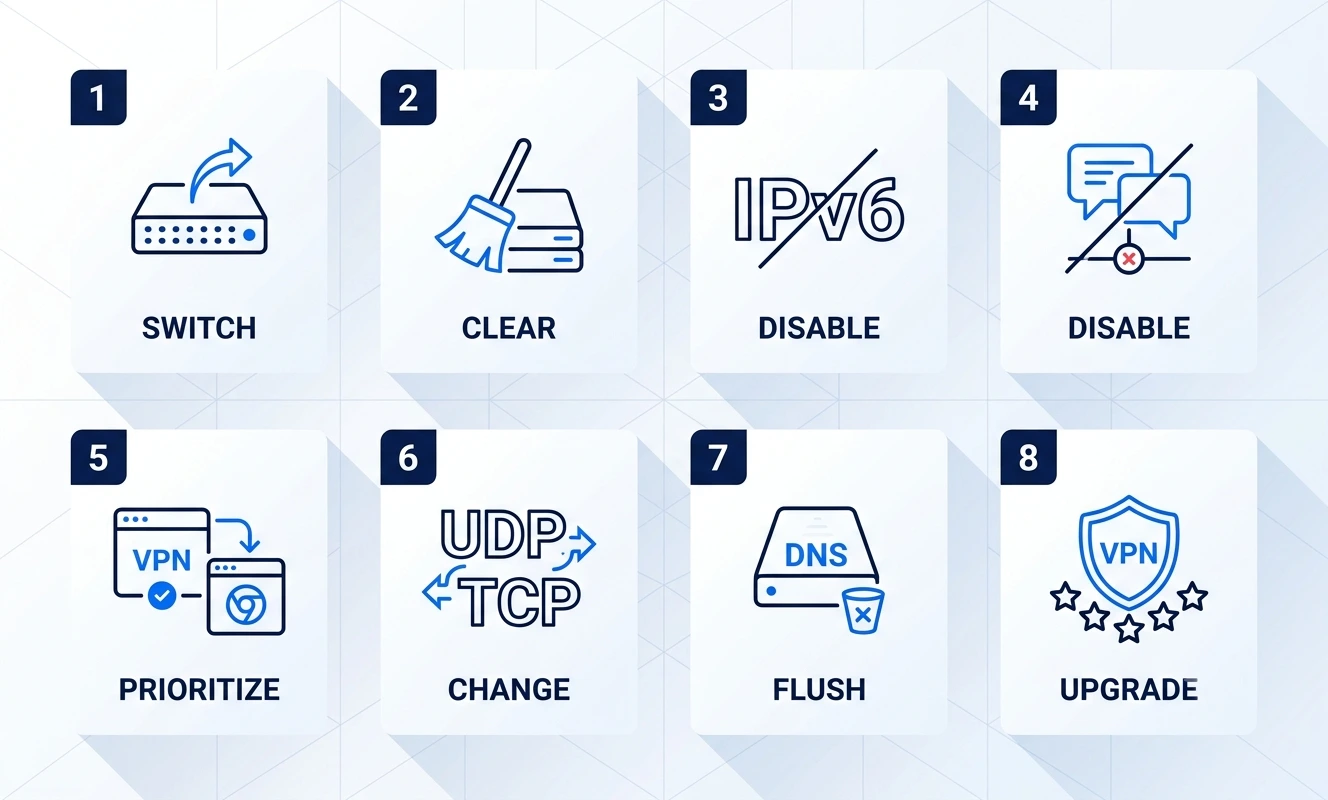
Work through these in order and retest after each change. Stop when Hulu works so you know which step mattered.
- Switch to a different US server. Test another server permitted by your provider and Hulu account rules, then reload. A different route or address may behave differently, but success is not guaranteed.
- Clear the Hulu app cache or reinstall. The app can hold a cached location. Clear its cache, or sign out and back in, so it picks up the new server.
- Disable IPv6. Use the provider's leak-protection settings and test for an IPv6 mismatch. Do not disable IPv6 system-wide unless the provider recommends it for your platform.
- Turn off WebRTC. In a browser, review the VPN provider's WebRTC guidance and leak-protection settings. Browser behavior varies by platform.
- Connect the VPN before opening Hulu. Start the tunnel first so Hulu never sees your real address during launch.
- Change the VPN protocol. Try another supported protocol. This changes the tunnel and routing behavior, but does not guarantee a different streaming result.
- Flush your DNS cache. Flush the DNS cache only after restarting the app and network connection. This clears cached resolver entries but does not change account eligibility.
- Compare another VPN only after isolating the problem. If nothing else works, the provider's US pool is too small or too flagged. The picks below are chosen for this.
VPNs to compare for Hulu in 2026
These three providers appear frequently in Hulu VPN coverage, but compatibility can change without notice.
NordVPN
NordVPN offers multiple US locations and the NordLynx protocol. It is the first research option here, and the full picture is in our NordVPN review.
ExpressVPN: if Hulu is not working
ExpressVPN provides MediaStreamer guidance for devices that cannot run a VPN app. If Hulu reports a proxy error, follow ExpressVPN's current support instructions because device and network requirements vary.
For a Hulu ExpressVPN not working report, separate the app from MediaStreamer or router configuration. On a phone or computer, update ExpressVPN, record the selected protocol and server, close Hulu completely, and test again. On a TV using MediaStreamer, confirm that the device DNS matches the current ExpressVPN instructions and that your registered IP has not changed. On a router, verify that the streaming device is actually assigned to the VPN connection. These checks identify whether Hulu, the ExpressVPN app, DNS configuration, or router routing is the failing layer. Send those details and the Hulu error code to support instead of requesting a generic streaming server.
Surfshark
Surfshark allows unlimited simultaneous connections. Promotional and renewal pricing changes, and Hulu compatibility is not guaranteed.
Fixing it on a smart TV, Fire TV, or console
A smart TV, an older Roku, or a games console often cannot run a VPN app, which is its own version of the problem. There are two ways around it. Review a smart-DNS feature such as ExpressVPN's MediaStreamer, which requires device-specific DNS configuration and does not encrypt traffic. Or install the VPN on your router, so every device on the connection is covered at once. Router setup is more involved but covers hardware that has no app at all. For the broader streaming picture across services and devices, see our best VPN for streaming guide.
If Hulu still will not load
If you have switched servers, cleared the cache, and closed the leaks and Hulu still blocks you, two things are left. Contact the VPN provider with the exact Hulu error, device, app version, and protocol. Also disconnect the VPN and test Hulu normally. If Hulu fails both ways, use Hulu's general troubleshooting, clear cache and data, power-cycle the device, and contact Hulu support. If it fails only with the VPN, the VPN path or configuration is the likely difference. If you are abroad rather than troubleshooting at home, our guide on how to watch Hulu outside the USA covers that setup end to end.
Hulu VPN not working FAQ
Final word
A Hulu VPN error can come from proxy detection, cached data, device settings, account rules, or the underlying connection.
Confirm Hulu works without the VPN, record the exact error, restart and clear app data, then follow provider-specific guidance. NordVPN, ExpressVPN, and Surfshark are research options, but none is a permanent or guaranteed fix.
Once the error is cleared, the choice of provider is a separate decision. Our streaming VPN comparison weighs device coverage, connections, and audit evidence rather than unblock claims.
Sources
- Hulu: anonymous proxy troubleshooting
- Hulu: BYA-403-011 and P-EDU101 proxy errors
- Hulu general troubleshooting
- Hulu supported devices