

Streaming
Hulu while traveling: What subscribers need to know
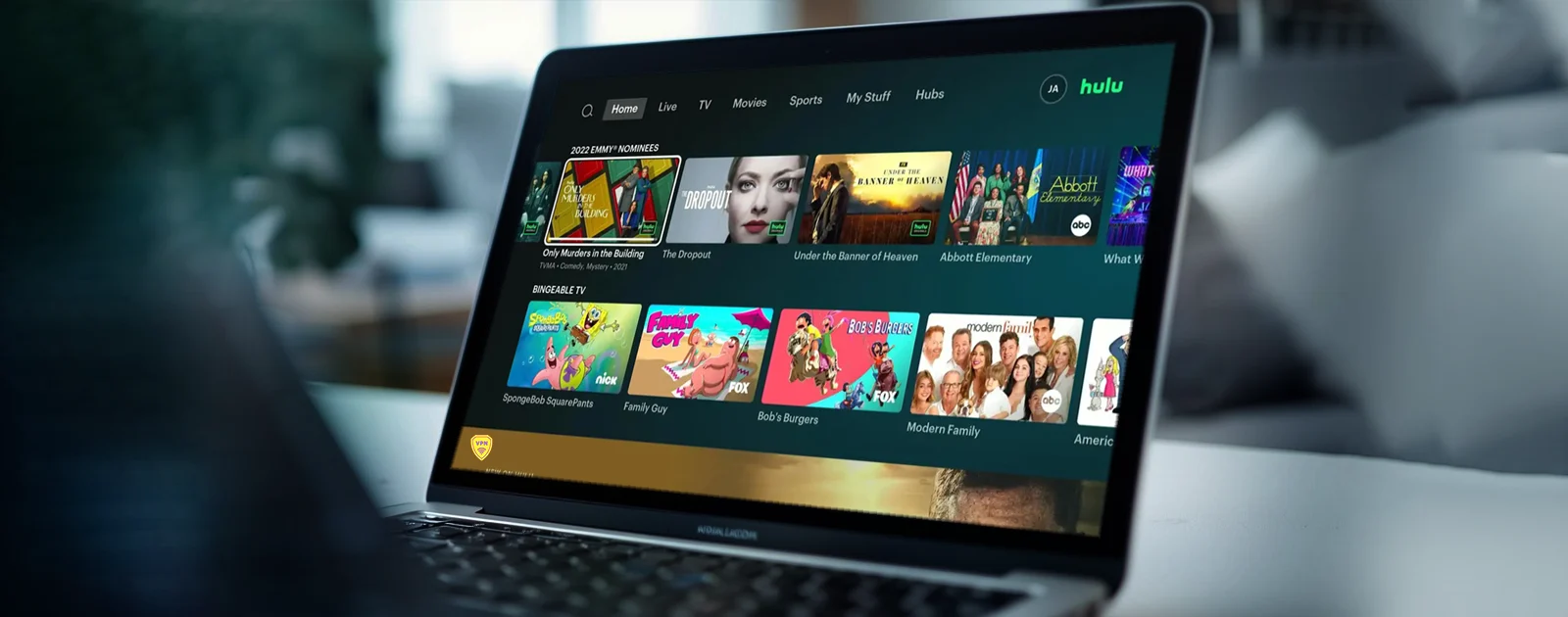
Can you use Hulu while traveling internationally? Hulu's current Subscriber Agreement says the service is available only in the United States and certain US territories. A subscription does not grant access from every country, so the reliable approach is to check the rules before departure and plan legitimate viewing options for your destination.
Our verdict
International travel does not extend Hulu's service territory.
The dependable plan is to review Hulu's current agreement, verify whether the destination is supported, and identify an authorized local platform before departure. A location-masking workaround is neither a viewing right nor a reliable long-term solution. Inside the United States, ordinary troubleshooting can resolve app, account, or network errors. Outside the supported territory, use legitimate local distribution or another travel-friendly entertainment option. That answer is less dramatic than an unblock promise, but it is accurate and will not become obsolete each time Hulu changes its technical checks.
Can you use Hulu while traveling internationally?
Hulu does not offer its service worldwide. The Disney+, ESPN, and Hulu Subscriber Agreement, updated February 5, 2026, says Hulu is available only in the United States and certain US territories. It also says subscribers may not access a service from a place where the company does not offer it or hold the necessary rights.
If your destination is outside Hulu's supported territory, do not assume your US subscription will work. Check Hulu's current agreement and official help material, then use a streaming service licensed for the country you are visiting.
This is a content-licensing restriction, not simply a device or connection problem. A different Wi-Fi network, browser setting, DNS service, or VPN does not create viewing rights where Hulu does not provide the service.
Why Hulu access changes when you travel
Movies, series, local stations, sports, and live channels are licensed by territory. Hulu may hold the US rights to a program while another platform holds the rights in France, Canada, Japan, or another destination. That is why the same title can appear on different services depending on location.
Hulu also distinguishes between its on-demand catalog and Hulu + Live TV. Live television can involve local station areas, sports blackouts, home-location rules, and device-location checks. Those restrictions may apply even while traveling inside the United States.
The service can use account, IP, device, and location information to determine availability. Exact checks can change. Generic promises that one network setting will always restore access are therefore unreliable and can conflict with the subscriber agreement.
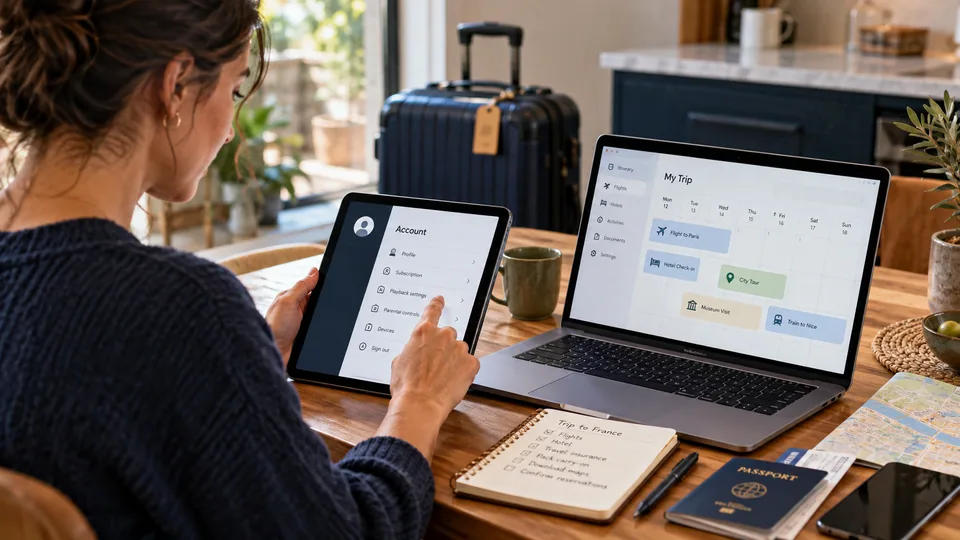
What to do before an international trip
A few checks before departure are more useful than troubleshooting after arrival.
01. Review Hulu's current territory terms
Read the official Subscriber Agreement shortly before the trip. Streaming terms can change, and an old travel guide may no longer describe the current service.
02. Check the destination's licensed services
Search for the program title, destination country, and official streaming provider. The show may be legally available through another platform abroad.
03. Confirm account access
Make sure the account email, password, billing method, and recovery options are current. Avoid changing important account details over public Wi-Fi.
04. Prepare an offline alternative
Bring legally downloaded media, podcasts, ebooks, or another service that operates in the destination. Verify expiration and playback rules before leaving.
Do Hulu downloads work abroad?
Some Hulu plans, devices, and titles may support downloads, but availability depends on Hulu's current product rules and licensing. Downloading a title before a trip does not guarantee that it remains playable in every country or after its viewing window expires.
Check the download icon inside the official Hulu app, the stated expiration period, the compatible-device requirements, and whether the app needs to reconnect. Do not treat offline mode as a loophole around territorial restrictions.
If a specific program matters, test legitimate offline playback before departure and still prepare a fallback. A device update, sign-out, expired download, or rights change can affect saved content.
What a Hulu subscription does and does not cover
A paid account gives an eligible subscriber access to the plan and catalog described at checkout, subject to Hulu's agreement. It does not purchase worldwide rights to every program. The account remains governed by service territory, age, billing, device, household, and content-availability rules.
Bundles do not remove those boundaries. Disney+, ESPN, and Hulu can have different territories, catalogs, and viewing conditions even when they appear on one bill. Check each service separately before a trip rather than assuming that one supported app makes every bundled service available.
Promotional terms can also change. A discount, trial, or add-on does not override geographic restrictions. Save the current agreement and official support links with the travel plan so you can distinguish an account problem from a territory limitation after arrival.
Legitimate ways to find the same shows abroad
| Option | What to verify | Main limitation |
|---|---|---|
| Official local streaming service | Title, season, language, and destination country | Catalog may differ from Hulu |
| Studio or network platform | Local rights and subscription availability | Not every program has a direct service |
| Digital rental or purchase | Store region and playback rights | Separate payment may be required |
| Authorized offline download | Expiry, device, and territory rules | Availability is not permanent |
Use the program's official website, the producing network, or a reputable local catalog search to identify the authorized distributor. Avoid websites that copy streams without permission or request unusual browser extensions, payment details, or software downloads.
What about traveling inside the United States?
On-demand Hulu may continue to work during domestic travel, but Hulu + Live TV has additional location requirements. Local channels and sports availability can change with the viewing location, and the service may ask a mobile device to confirm location.
If you are still inside a supported US territory and see an error, first disable any proxy, Smart DNS, or VPN that may make the connection appear elsewhere. Then restart the Hulu app, confirm device location permissions, and test the normal internet connection.
Do not change the account's home location repeatedly without reading Hulu's current Live TV rules. For a technical problem inside the United States, use our Hulu VPN troubleshooting guide.
Using public Wi-Fi safely while traveling
A VPN can still be useful for ordinary network security. It encrypts traffic between the device and the VPN server, which reduces exposure on hotel, airport, and cafe Wi-Fi. That privacy function is separate from Hulu eligibility.
Use HTTPS websites, enable multifactor authentication where available, keep the operating system updated, and avoid entering sensitive information on a network you do not trust. A VPN does not make a malicious website safe and does not replace account security.
Our guide to VPNs, proxies, and Smart DNS explains which tools encrypt traffic and which only change name resolution. For general travel privacy, see the VPN guide for digital nomads.
If Hulu stops working while you travel
Read the exact error before changing settings. A location restriction, billing problem, account lock, app failure, and slow connection require different responses.
| Location error | Check whether Hulu officially operates in the current territory. If not, use an authorized local service. |
| App failure | Update the app, restart the device, confirm date and time, and check Hulu's official service status. |
| Account problem | Use Hulu's official recovery flow and contact support. Never share the password with an unofficial troubleshooting site. |
| Buffering | Test the connection, reduce competing traffic, and compare another trusted network. Our VPN speed guide covers network overhead. |
Once the account and the connection check out, the rest of a household's subscriptions raise the same questions. Our Disney Plus guide covers the travel and device rules there, and the Netflix proxy-error guide documents what to do when a service reports the wrong location.
Frequently asked questions
Primary sources
- Disney+, ESPN, and Hulu Subscriber Agreement, updated February 5, 2026
- Hulu official service and location information
Published: April 28, 2026 | Last updated: July 26, 2026 | Author: Simon Phillips