

Streaming
Does NordVPN work with MLB.TV? What to check before you subscribe

Baseball viewing context without a broadcast screenshot or performance claim
Original illustration generated with OpenAI image generation, 2026-09-16.
Illustration, not a VPNVertex hands-on test.
NordVPN may be relevant if you are comparing VPNs for MLB.TV, but it cannot guarantee access to every game. MLB.TV controls its own subscriptions, location checks, and blackout rules.
Short answer: NordVPN may be relevant if you are comparing VPNs for MLB.TV, but it cannot guarantee access to every game. MLB.TV controls its own subscriptions, location checks, and blackout rules. A VPN connection does not replace those rules, and a result reported by a third-party reviewer is not the same as a guarantee from MLB.TV or NordVPN.
The short answer
This guide focuses on the practical questions to ask before you pay: what MLB.TV sells, why a game may be unavailable, what outside testing can and cannot tell you, and how to troubleshoot without assuming that changing your network location will solve every problem.
Start with MLB.TV's own rules
MLB.TV publishes its products and subscription options on MLB.com. It also explains that live-game availability can depend on your location and on local or national blackout restrictions. Those rules matter more than a VPN review headline.
Before choosing a VPN, check the official MLB.TV information for the game, team, and market you care about. A subscription can be valid while a particular live game is still unavailable in a local market. If you are trying to watch from a different country, confirm what MLB.TV says about international availability instead of assuming that every game has the same treatment.
Device support matters too. Use the MLB.TV app or website on a supported, updated device, then check the account signed in on that device. A location shown by a network connection does not replace the account's eligibility, home-market information, or MLB.TV's own blackout decision.
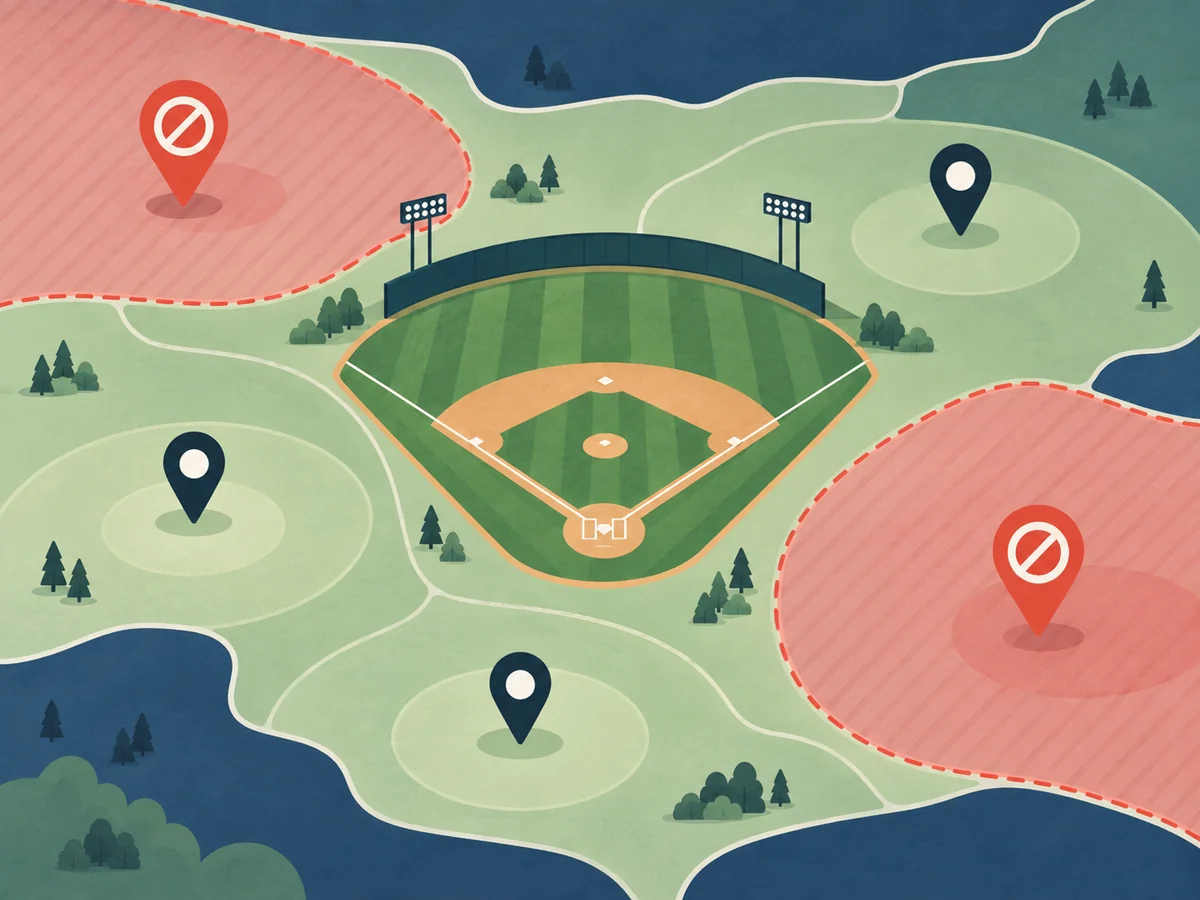
Original illustration generated with OpenAI image generation, 2026-09-16.
What a VPN can change, and what it cannot
A VPN changes the network path used by your device and can affect how a service sees the connection. That is why VPNs appear in streaming comparisons. It does not change the terms of an MLB.TV subscription, erase a blackout policy, or guarantee that the service will accept the connection.
MLB.TV can use more than one signal when it evaluates access. Your account, device, app, browser, network, and location settings can all matter. A connection that worked for a reviewer on one day may not behave the same way on another network, device, or game. Treat third-party success claims as dated observations, not promises.
What current third-party coverage says
The current US results for nordvpn mlb tv include VPNPro, Top10VPN, VPNAlert, VPNOverview, and AllAboutCookies. These sites publish comparison or troubleshooting material, but they are independent editorial sources, not MLB.TV documentation. Their methods, dates, and definitions of “works” may differ.
That distinction is important. “The stream loaded” is not the same as “all games are available,” and neither statement proves future compatibility. If you consult a review, look for the test date, the device and app used, the specific game or market, and whether the result was a one-time check or a repeatable test.
Checklist before you subscribe
- Read the official MLB.TV product and blackout information for your market.
- Confirm that your device and MLB.TV app are supported and fully updated.
- Decide whether you need a VPN for privacy on public Wi-Fi or are expecting it to change game availability. Those are different goals.
- Review the VPN's current plan, renewal price, refund terms, and device policy on its official site.
- Keep a backup plan for games affected by local or national restrictions.
If MLB.TV is not working
Start with ordinary account and app checks: sign in again, update the app, check the device date and time, restart the app, and confirm that the connection is stable. If MLB.TV reports a location or blackout issue, follow MLB.TV's own help guidance. If the VPN app reports a connection problem, use the provider's support steps and compare the connection with the basic VPN checks described in our education guide. Do not assume that a different server will fix a service rule.
Do not treat a failed stream as proof that the VPN is defective, or a successful stream as proof that all blackouts can be bypassed. The cause may be a subscription rule, a local restriction, an account mismatch, an app issue, or a temporary service decision.
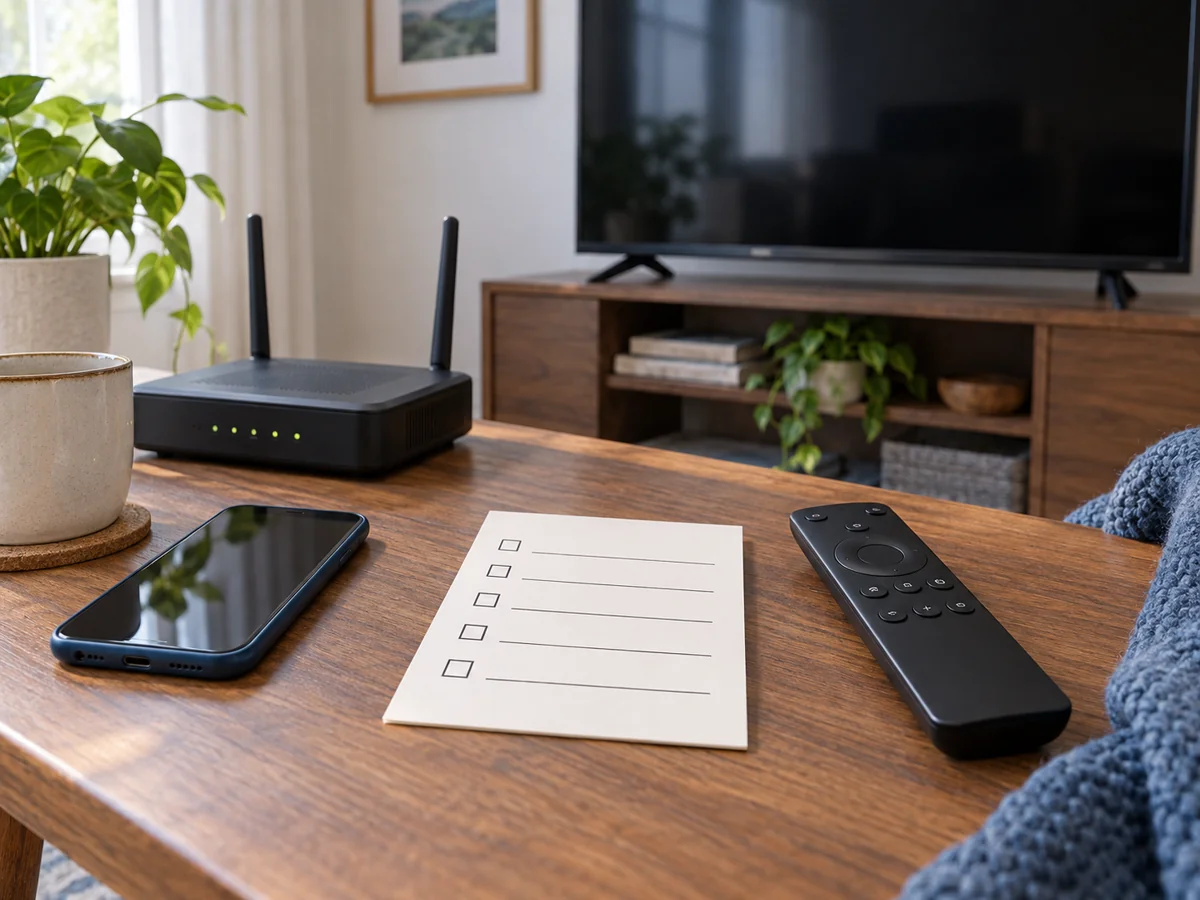
Original illustration generated with OpenAI image generation, 2026-09-16.
What we did not test
VPNVertex did not perform a live MLB.TV test for this guide. We therefore make no claim about a particular server, game, device, speed, or blackout outcome. This article is a sourced editorial guide, not a hands-on performance review.
FAQ
Final verdict
NordVPN is a reasonable product to investigate when you are comparing VPNs for MLB.TV, but the responsible answer is conditional. Check MLB.TV's location and blackout rules first, treat third-party tests as dated evidence, and do not buy on the strength of an unconditional “unblock” promise. For another sports-streaming comparison, see our guide to VPNs for DAZN. For another live-TV case, compare our NordVPN and YouTube TV guide.
Sources
Published: September 16, 2026 · Author: Simon Phillips
