

Streaming
Does NordVPN work with Netflix in 2026? What to know

Streaming access can vary by device, network, account, and location.
Illustrative image created for VPNVertex.
Not a VPNVertex hands-on test.
Whether NordVPN works with Netflix on a given day depends on the server you connect to and the Netflix region you are trying to reach. Netflix's help center explains what triggers a block, and NordVPN's support team publishes steps for when a connection fails. Neither company promises a fixed outcome, and this guide does not either.
The short answer
NordVPN can work with Netflix, but access is not guaranteed. Netflix may limit the available catalog or display error E106, and NordVPN publishes troubleshooting steps for blocked connections.
Results vary by server and by Netflix region. Nothing in the sources below, including NordVPN's own troubleshooting page, promises that a specific server will work on a specific day.

Illustrative image created for VPNVertex.
What Netflix says officially
Netflix's help center is direct about this. If its systems flag a connection, viewers see error code E106 with the message: "You seem to be using a VPN or proxy. Please turn off any of these services and try again." Netflix's own guidance is to turn the VPN off, not to find a way around the block.
A second Netflix help article adds a detail that most VPN marketing pages skip over. Even when a VPN connection does get through, Netflix does not hand over the full catalog of the country you appear to be in. Instead, you are shown the titles Netflix has licensed worldwide, the article's own examples being Squid Game and Stranger Things, rather than that region's complete library. Netflix also states plainly that VPNs are not supported for live events or on its ad-supported plan, regardless of whether the VPN connection otherwise works.
That single distinction, worldwide-licensed titles versus a full regional catalog, is worth sitting with before assuming a VPN will unlock everything a friend abroad can see.
What NordVPN says officially
NordVPN's support center runs a troubleshooting article titled "Netflix doesn't work with NordVPN." NordVPN documents that this problem can occur. Its recommended steps include running a DNS leak test, confirming the app shows "Connected to NordVPN," switching to a different server in the same country if Netflix stops responding, and pausing the app's Threat Protection real-time scanning, which the article itself lists as a possible source of interference.
The same article carries a compliance notice worth quoting directly: "Using NordVPN to bypass any regulatory or judicial measures, or for any other illegal activities, is strictly prohibited and violates our Terms of Service." NordVPN also flags a quirk specific to European Union users: switching Netflix regions from inside the EU may show duplicate content matching your home catalog for a limited time, rather than the destination region's library, because of EU portability rules.
None of this reads like a company claiming a guaranteed bypass. It reads like a company documenting a known support issue.
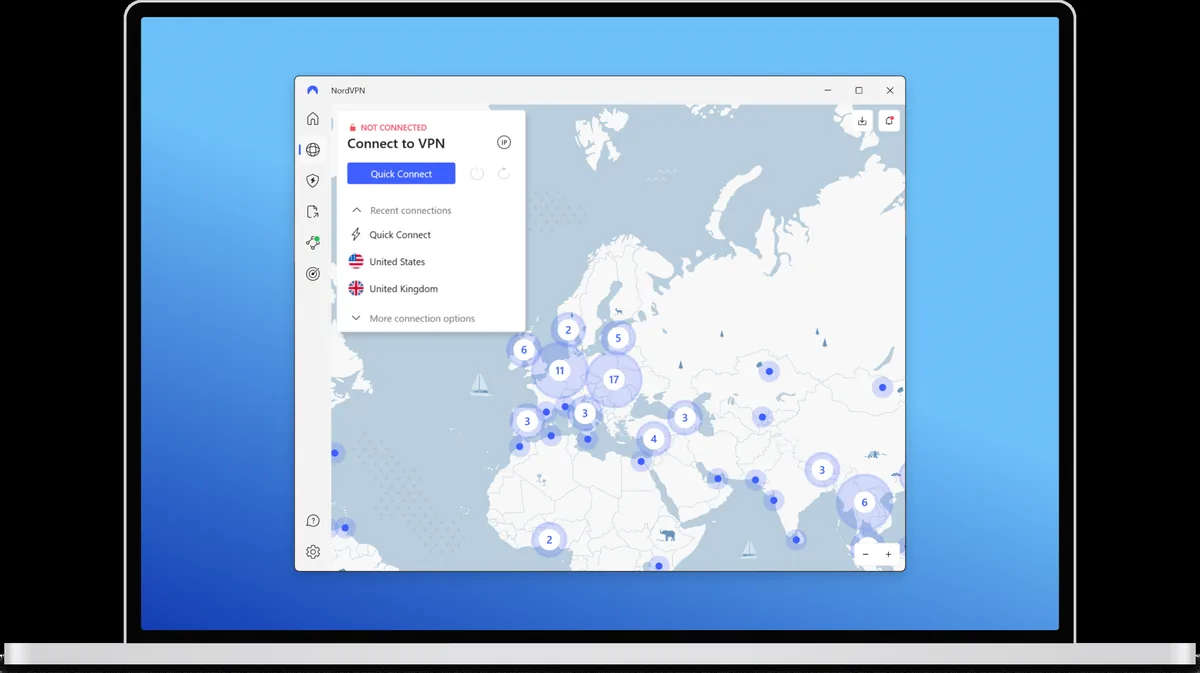
Provider-supplied image.
What third-party affiliate publications report
CyberInsider and TheBestVPN are third-party affiliate publications, not independent test labs. Both earn a commission when a reader signs up through their links. That does not make what they report false, but it does mean their coverage belongs in the category of commercial content rather than neutral verification, and this guide treats it that way.
CyberInsider's NordVPN and Netflix guide, credited to journalist Sead Fadilpasic and last updated February 28, 2026, describes NordVPN as generally able to unblock Netflix libraries and recommends switching servers when one gets blocked.
TheBestVPN includes NordVPN in a Netflix VPN comparison widget. The test conditions behind that widget are not published on the page, and it functions as part of a monetized comparison table rather than a standalone test report. For that reason, this guide does not repeat a specific success percentage from it: the number cannot be verified from the outside.
If Netflix blocks you while using NordVPN
Netflix's own help center recommends two things first, regardless of which VPN is involved: turn off the VPN, and reset your network settings if you are not using one. That is Netflix's fix, not a NordVPN-specific one.
If you want to keep the NordVPN connection running, NordVPN's support article for this exact problem lists its own steps:

Illustrative image created for VPNVertex.
- Confirm that the NordVPN app displays "Connected to NordVPN," as NordVPN's support instructions recommend.
- Close Netflix and connect to a different server in the same country.
- Clear the Netflix app's cache, or reinstall the app on iOS, where a separate cache-clearing option is not available.
- Pause NordVPN's Threat Protection real-time scanning, which NordVPN's own article lists as a possible source of interference.
- Turn off any separate DNS-over-HTTPS or Secure DNS setting on the device, since it can conflict with NordVPN's DNS handling.
If NordVPN's troubleshooting steps do not resolve the issue, Netflix's official recommendation for error E106 is to turn off the VPN and try again.
A note on rules and legality
Netflix's Help Center states that using a VPN may limit the available catalog and recommends turning it off when error E106 appears. NordVPN states that users must comply with applicable laws and with the terms of the services they access. This article does not provide legal advice.
What we did not test
This assessment is based on attributed sources: official help pages from Netflix and NordVPN, and third-party affiliate coverage from CyberInsider and TheBestVPN, each cited with its date and its limits above. It is not a VPNVertex hands-on test. VPNVertex has not run a dated, documented session connecting to Netflix through NordVPN, and this guide does not claim otherwise anywhere above. No speed measurement, region-by-region unblock count, or success percentage above was produced by VPNVertex. Where a number appears, it belongs to the source named next to it.
If VPNVertex completes a hands-on test session for this pairing in the future, following the protocol in how we research VPN products, this article is the page that update would apply to.
FAQ
Final verdict
It can work, but VPNVertex cannot guarantee access because it has not performed a documented hands-on test.
If a NordVPN connection to Netflix fails, NordVPN's own guidance points to a different server in the same country as the first thing to try. For the general version of this problem, not tied to NordVPN specifically, our Netflix proxy error guide covers the same error code across VPN providers. If you are still deciding whether NordVPN is the right VPN overall, our full NordVPN review covers the audits, pricing, and where NordVPN falls short, and our best VPN for streaming comparison shows how it compares to Surfshark and Proton VPN for streaming specifically.
Sources
- Netflix Help Center: "Netflix says, 'You seem to be using a VPN or proxy.'"
- Netflix Help Center: "Watching TV shows and movies through a VPN"
- NordVPN Customer Support: "Netflix doesn't work with NordVPN"
- CyberInsider (third-party affiliate publication): "Does NordVPN Work with Netflix? (2026 Test Results)", by Sead Fadilpasic, last updated February 28, 2026
- TheBestVPN (third-party affiliate publication): Netflix VPN rankings and comparison widget
Published: September 14, 2026 · Author: Simon Phillips
