

Lifestyle
How to protect your phone on public Wi-Fi
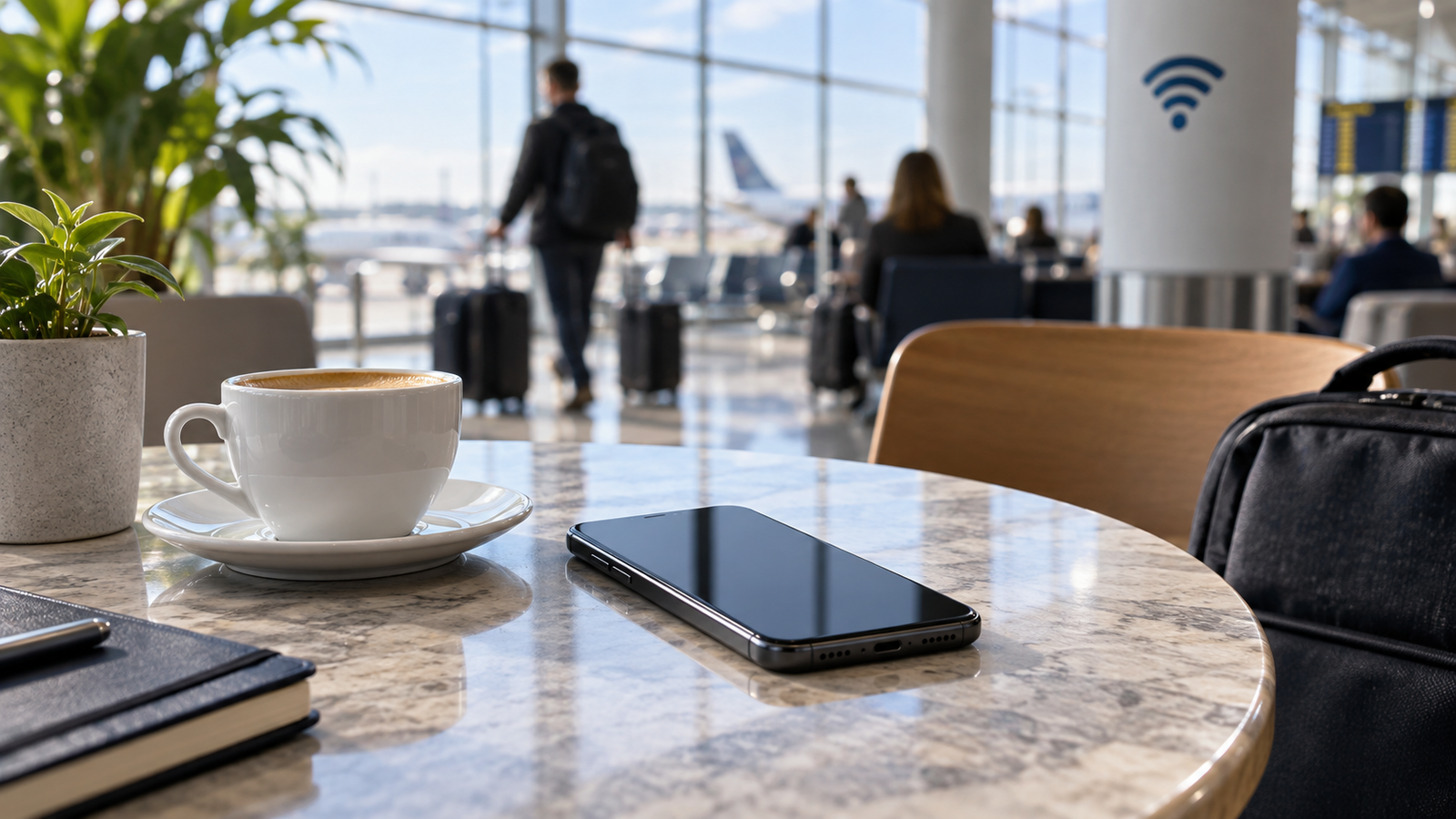
Public Wi-Fi is a network you do not control, so verify it before trusting it.
Illustration created for VPNVertex
Illustration, not a VPNVertex hands-on test.
A few deliberate choices before, during and after a hotspot session reduce the most avoidable risks. A VPN can help with the network layer, but it is only one item on the checklist.
A few deliberate choices before, during and after a hotspot session reduce the most avoidable risks. Confirm the hotspot name with the venue, keep your phone updated and locked, avoid sensitive transactions when you can, use secure sites, and turn off connection features you do not need. A reputable VPN can add an encrypted tunnel on an untrusted network, but it is only one item on the checklist: it cannot identify a fake login page or protect an account whose password has already been exposed.
Before you connect
Confirm the network
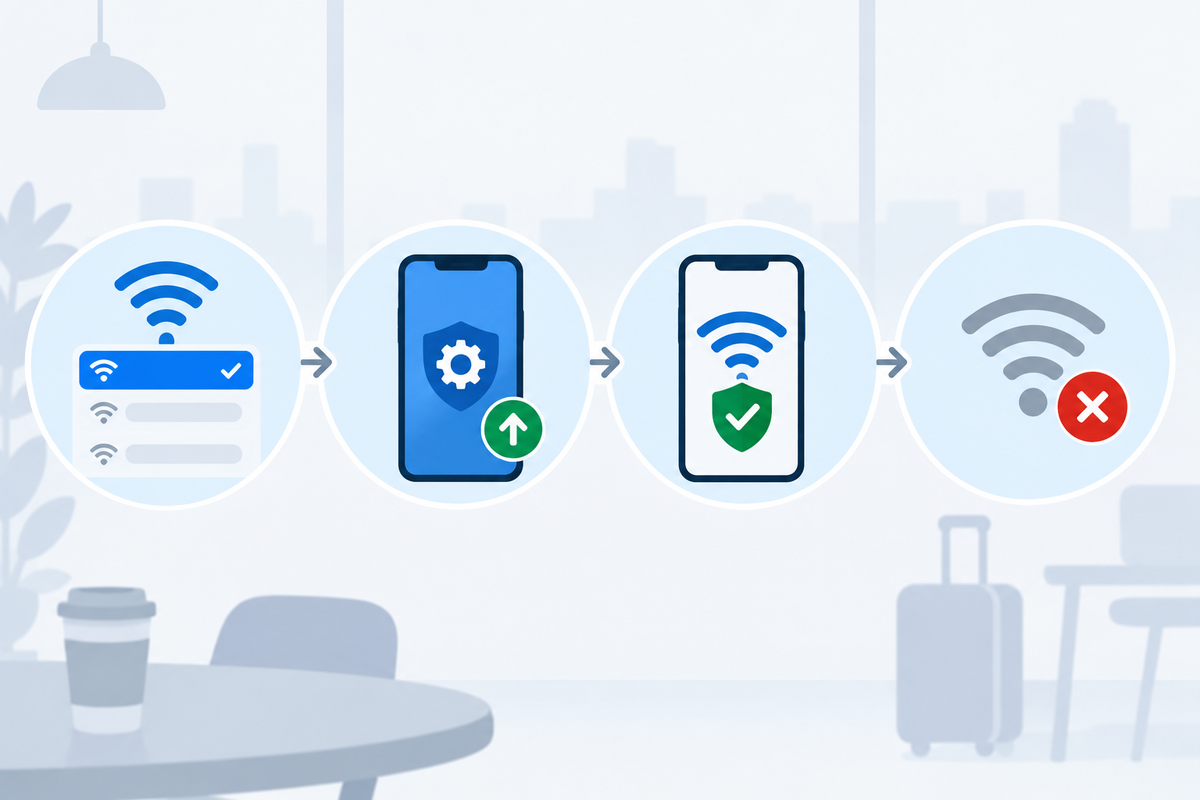
Public places can have networks with similar names. The CISA public Wi-Fi tip card recommends confirming the network name and login process with appropriate staff before connecting. Do that before opening your banking app or email.
Prepare the phone
- Install pending operating-system and app updates before the trip.
- Use a screen lock and biometric unlock only on a device you control.
- Turn off automatic joining for networks you do not recognize.
- Disable local sharing or nearby-discovery features you do not need for the session.
- Keep a mobile-data fallback for sensitive tasks when the hotspot looks questionable.
While using public Wi-Fi
Original editorial image created for VPNVertex.
Use the right site and the right behavior
The FTC's public Wi-Fi advice says to use secure sites and be careful about entering personal information on a hotspot. Check the address and HTTPS, but do not rely on the padlock alone: a scam site can also use HTTPS. Do not install an "update" or security app offered by a pop-up.
Consider a VPN for the network path
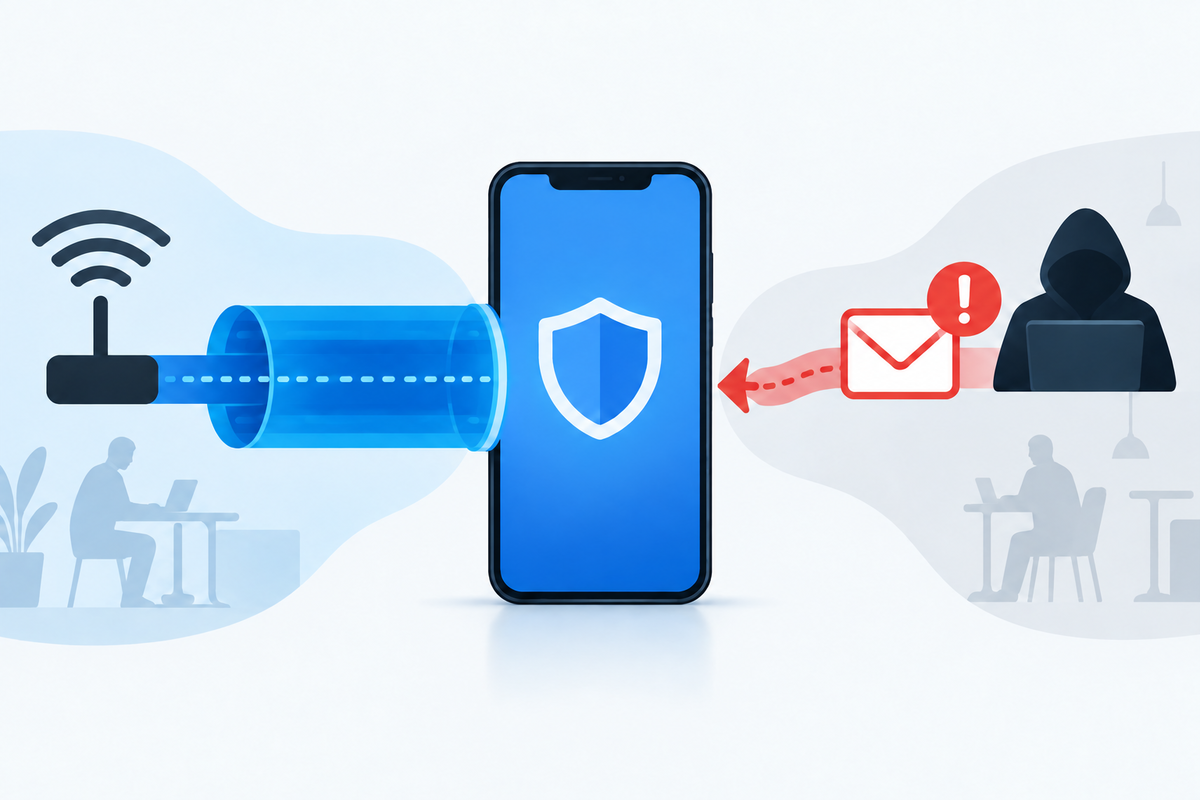
A VPN can encrypt the connection from the phone to the VPN service, which limits what the local hotspot can inspect directly. The provider becomes part of your trust model, so read its privacy policy and account-security options. If the VPN disconnects, pay attention to whether the app blocks traffic or simply falls back to the hotspot.
There are important limits. A VPN does not stop a phishing page from collecting credentials, does not clean a malicious app, and does not prevent the service you use from seeing activity after you sign in. It also cannot make an unsafe phone safe if the operating system is out of date. No tool on this page should be treated as complete protection on its own.
Delay high-impact actions when possible
If you can wait, handle banking, password changes and sensitive account recovery on mobile data or a network you trust. FDIC guidance on protecting finances and identity also advises avoiding sensitive transactions on public Wi-Fi where possible and treats a VPN as a possible extra measure, not a guarantee.
After you leave
- Forget the hotspot if you will not use it again.
- Turn off the VPN only when you no longer need the protected connection.
- Review downloads, browser prompts and app-install notifications from the session.
- Check important accounts for unusual sign-in alerts.
- If you entered credentials into a suspicious page, change them from a trusted connection and contact the service.
How to check that the routine worked
Original editorial image created for VPNVertex.
Before a sensitive session, confirm the hotspot name with staff and check that the phone shows the expected network. During the session, look for the VPN connection indicator if you chose to use one, and stop if a page asks for an unexpected app, certificate or password. After disconnecting, forget the network and review any downloads or account alerts. These checks are more useful than treating a shield icon as proof that every risk is gone.
What we did not test
VPNVertex did not connect to or penetration-test a public hotspot for this guide, and it did not test a particular VPN app on a private phone. The checklist is based on public CISA, FTC and FDIC guidance and should be adapted to the phone's current operating system.
For frequent travelers
Travelers, expats and people living from a van or RV use more unfamiliar networks than most people. Our guides for digital nomads, expats, RV and van life and journalists cover different usage patterns. Whichever service you consider, verify current support for your phone, kill-switch behavior and privacy terms before relying on it.
FAQ
Final takeaway
On public Wi-Fi, verify the network, keep the phone updated, prefer encrypted services and avoid sensitive tasks when the connection looks suspicious. For laptops and desktops on the same networks, follow our computer public Wi-Fi checklist.
Sources
- CISA: Best Practices for Using Public Wi-Fi, checked September 16, 2026
- FTC: Public Wi-Fi Networks - Security Tips, checked September 16, 2026
- FDIC: Protect Your Finances and Identity Online, checked September 16, 2026
