

Lifestyle
VPNs for Android: compare free-plan limits and paid features

Android VPN needs can change between home, travel and public networks.
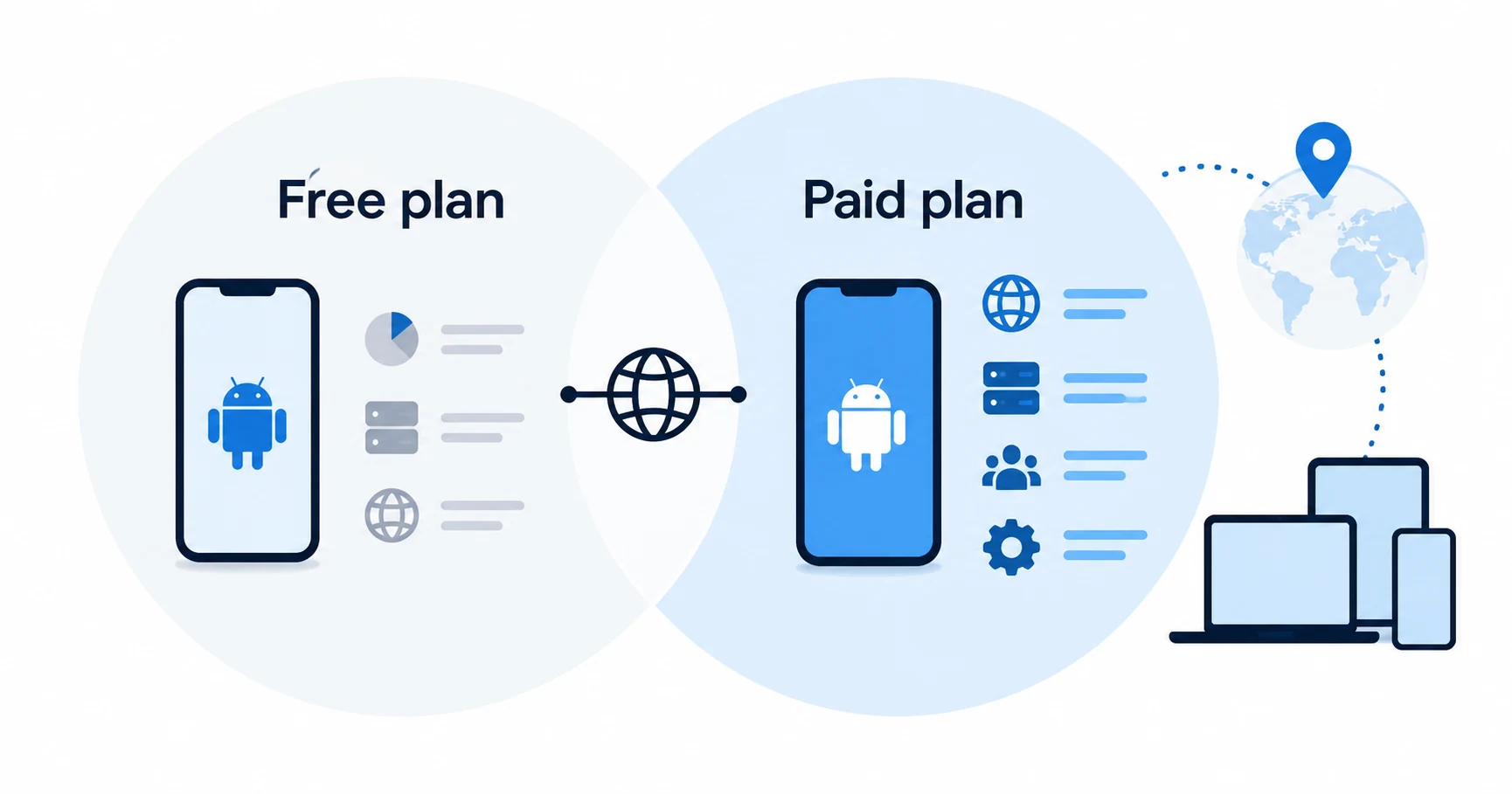
A free Android VPN can be enough for a basic private connection. The upgrade question is more specific: do you need different server access, a paid filtering feature or several devices connected together? Compare those restrictions before paying for a bundle.
Start free when the limits fit
Proton VPN documents unlimited data on its free Android service. That makes it a reasonable starting point for checking whether basic VPN access meets your needs. Its Android download page distinguishes paid features, including NetShield on the specified Plus and Unlimited plans and streaming support on paid service.
Surfshark's unlimited simultaneous VPN connections may matter for a household, while NordVPN's documented ten-device allowance may already be enough. Those are account-level considerations. The required feature still needs to be available in the Android app you install.
How this guide was researched
This guide compares published provider documentation and the limits stated in the sources below, reviewed on October 14, 2026. Recommendations follow the specific compatibility or plan requirement explained in the article. VPNVertex has not performed device, speed, leak or streaming tests for this guide. Suggested checks are tasks for the reader, not reported test results.
Our research methodology explains how we distinguish provider statements from independent evidence.
Compare Android plans and app channels
| Service | Documented Android option | Reason to consider it |
|---|---|---|
| Proton VPN | Free Android service with unlimited data; premium features are separate | Basic access without a paid subscription, when free-plan limits fit |
| NordVPN | Android app for version 9 or later; official APK and Google Play channels | A paid option when its app and ten-device allowance fit; channel features differ |
| Surfshark | Android app included in the VPN subscription; unlimited paid VPN connections | A permitted household with a larger simultaneous-device requirement |
For NordVPN, the published download page distinguishes the official APK from Google Play features. Do not obtain a modified APK to imitate a paid feature. For every service, check the function inside the exact Android build rather than copying a desktop feature list.
Compare the limitation you would remove
| Need | What free access can establish | What to check in a paid plan |
|---|---|---|
| Basic VPN connection | Whether the supported app works for your routine | No upgrade needed solely because a paid plan exists |
| Large amounts of data | Proton states no free Android data cap | Do not buy only to remove a cap this plan does not have |
| A specific server location | Check the free plan's available controls | Whether the required location and selection are included |
| NetShield filtering | Not implied by free VPN connectivity | Proton's specified paid plan eligibility |
| Several active devices | Free and paid allowances can differ | Count simultaneous connections across the household |
| A streaming requirement | No guarantee from basic connectivity | Supported paid service, with access limitations still possible |
This table compares reasons to upgrade. It does not assign speed scores or claim that one app worked in a test we did not perform.
Install from the real provider
Proton lists official store and APK distribution routes for Android. When using an APK, follow the provider's own distribution and update guidance. A download site using the provider's name is not evidence that its package is authentic.
For any provider, check the publisher and the supported Android version. Keep track of how updates reach the app. An unofficial modified APK is a poor substitute for a supported free plan and can introduce risks unrelated to the VPN service you meant to use.
On a work-managed phone, use the approved installation and connection policy. Do not remove management controls to install a personal VPN. The appropriate solution may be an employer-provided connection.
A VPN is one part of phone privacy
VPN routing does not remove app permissions, protect a compromised account or stop every tracker. NetShield and similar filtering functions have defined scopes; their inclusion should not be interpreted as complete malware protection or anonymity.
If your main problem is an app collecting too much information, review that app's permissions and account settings. The existing Android privacy-app guide addresses the broader toolset. This comparison focuses on choosing a VPN plan, rather than recommending a second collection of privacy apps.
For hotspot precautions, use the public Wi-Fi phone guide. A paid plan can change the VPN features available, but it does not make a fraudulent hotspot or phishing page trustworthy.
Check reconnection in your own routine
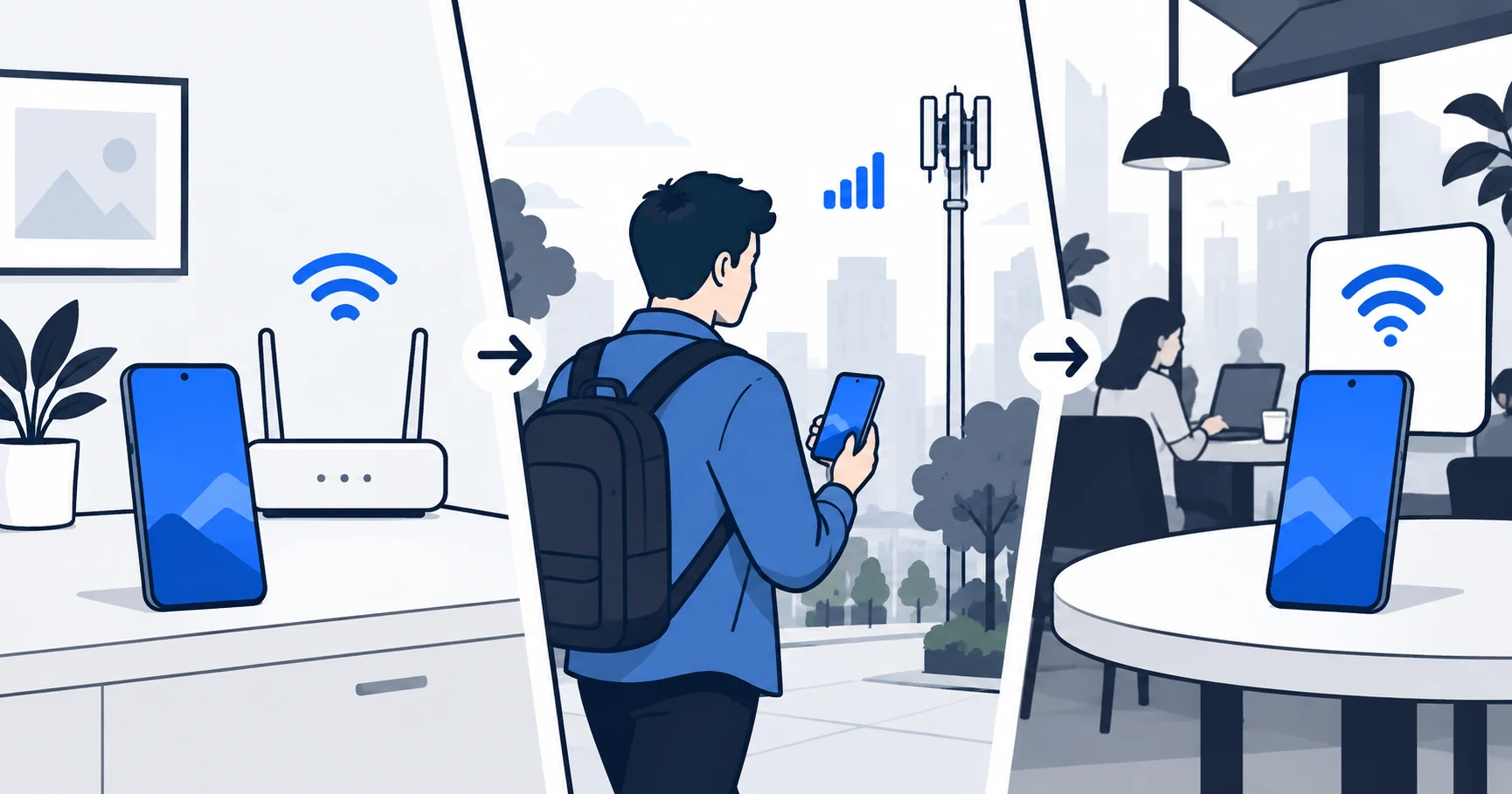
Phones move between Wi-Fi, cellular data and sleep states. Review the provider's instructions for connection protection and the Android settings it supports. Do not assume that the word “connected” at one moment establishes protection after every network change.
Try the apps you rely on after connecting and after switching networks. If an app needs an exception, understand that excluded traffic follows a different route. Confirm the provider's split-tunneling support for the Android app and plan instead of assuming a feature advertised on another platform is available.
These are suggested checks for your phone. We have not measured battery use, reconnection delay, DNS behavior or speed on an Android device for this article. Those results would require a documented test with the device, Android release, app version and network recorded.
Compare the household and the bill
A phone-only decision can change when the account also serves a laptop, tablet or television. Use the simultaneous-device worksheet to establish the real count. Unlimited household VPN connections may be useful, but buying them for a single phone adds no device-count benefit.
Read the initial total, renewal amount and payment channel. A free trial can require payment details and become a paid subscription. Deleting an app is not the same as canceling the subscription; the trial and cancellation guide explains the distinction.
Android VPN questions
Upgrade for a named feature
Try a reputable free service when its scope fits your phone. Pay when you can name the restriction the upgrade removes and confirm that the Android app supports the solution. If the real requirement is covering everyone at home, finish the household count first.
Sources
Provider statements are attributed below. Publication dates and current availability can differ; the review date records when the cited documentation was examined.
- Proton VPN: free Android VPN
Reviewed October 14, 2026. - Proton VPN: Android plan features
Reviewed October 14, 2026. - Surfshark Support: simultaneous devices and household sharing
Reviewed October 14, 2026. - NordVPN: risk-free VPN page (localized version reviewed)
Reviewed October 14, 2026. - NordVPN: Android app and Google Play trial
Reviewed October 14, 2026. - Surfshark Support: subscription apps and extensions
Reviewed October 14, 2026.