

Lifestyle
VPNs for iPad: what a paid plan adds on iPadOS

Choose features documented for iPadOS rather than assuming desktop-app parity.
A paid iPad VPN should add something you need on the iPad itself. A long list of Windows features or a desktop security bundle is not enough. Compare the iPad app's supported functions, the free plan's limits and the other devices you want connected.
Free can be enough for a basic connection
Proton VPN's official iPhone and iPad pages describe free service without a data cap. Its iOS download page separately identifies paid features such as NetShield on specified Plus and Unlimited plans, paid streaming access and ten simultaneous connections on paid service.
Start with the free option if basic supported VPN access fits your use. Consider paying when you need a documented location choice, paid filtering or more simultaneous devices. Surfshark's household VPN allowance and NordVPN's ten-device allowance may also be relevant, but verify the iPad app's actual functions before making the account limit decisive.
How this guide was researched
This guide compares published provider documentation and the limits stated in the sources below, reviewed on October 14, 2026. Recommendations follow the specific compatibility or plan requirement explained in the article. VPNVertex has not performed device, speed, leak or streaming tests for this guide. Suggested checks are tasks for the reader, not reported test results.
Our research methodology explains how we distinguish provider statements from independent evidence.
Compare the iPad subscription choices
| Service | Documented iPad option | What should drive the choice |
|---|---|---|
| Proton VPN | Free iOS/iPadOS service with unlimited data; specified features require payment | Whether the free plan covers the actual routing need |
| NordVPN | iPhone/iPad app with a paid main VPN service; up to 10 devices | The iPad app’s supported features and the household’s active-device count |
| Surfshark | iOS app included with the VPN subscription; unlimited paid VPN connections | Whether a larger permitted household justifies the subscription |
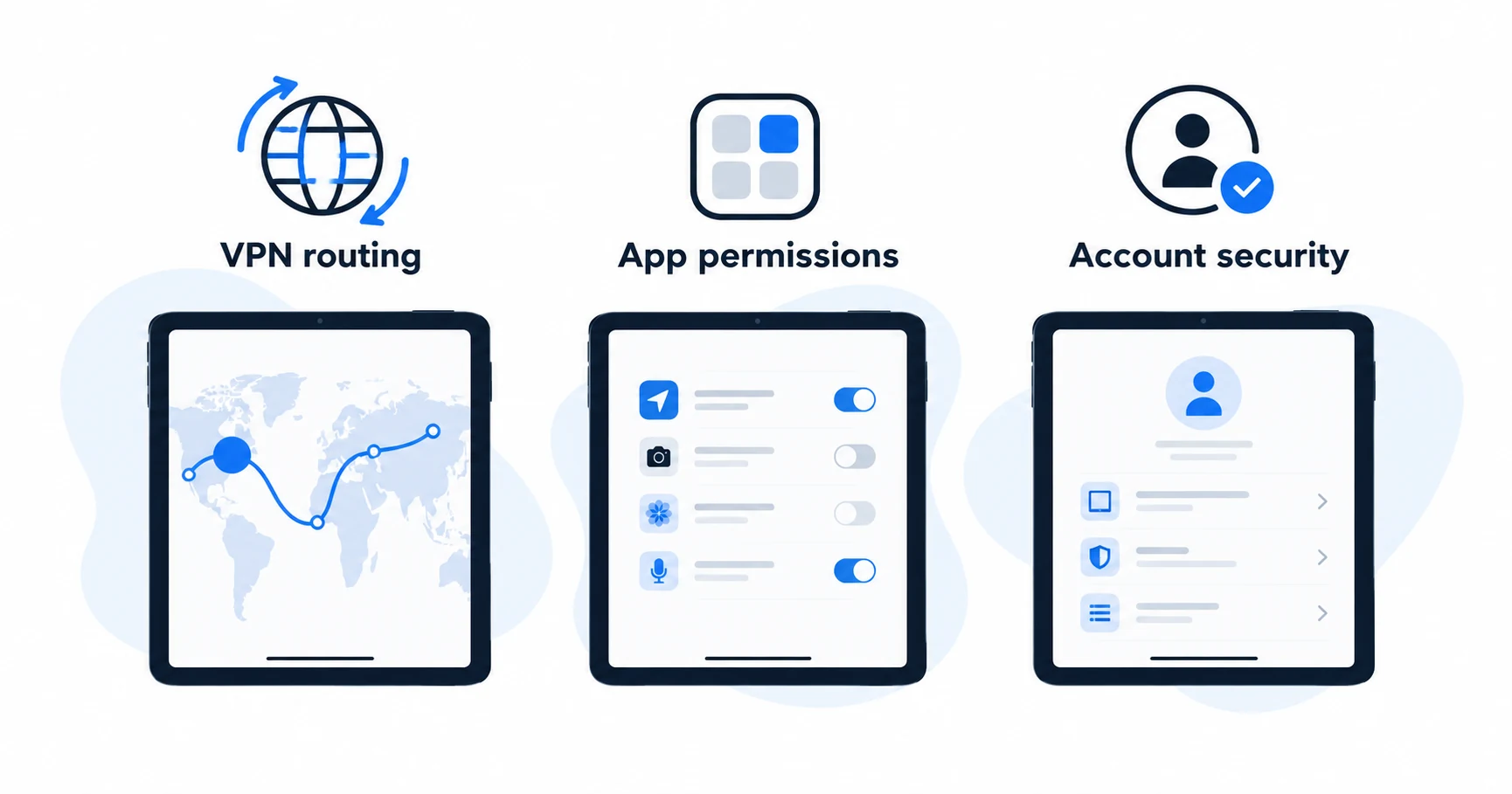
Neither a large connection allowance nor an iPad VPN changes the permissions of an app or signs you out of a website. Match the plan to the network function you need, then check the latest App Store compatibility on your particular iPad.
What an upgrade should change
| Requirement | Question to answer | Common wrong assumption |
|---|---|---|
| Basic connection on the iPad | Does a supported free app meet the task? | All useful VPN access requires payment |
| More data | Does your free plan actually have a cap? | Proton's free iPad service needs an upgrade for unlimited data |
| Filtering | Which function is in this iPad app and plan? | A desktop bundle's features all work on iPadOS |
| Streaming | What does the provider document for paid access? | A subscription guarantees every catalog |
| Several devices | How many connections will be active together? | The number of installed apps equals active use |
The useful comparison is the feature, operating system and plan together. A feature available on macOS does not become an iPadOS feature because both devices are made by Apple.
Separate the VPN from other iPad protections
The VPN routes traffic through its supported tunnel. It does not remove permissions you granted to an app, stop a website recognizing your signed-in account or replace operating-system updates. A filtering feature also has a narrower scope than a complete security guarantee.
Apple account privacy controls and browser settings remain separate decisions. Our existing iPhone privacy guide covers the related phone settings; do not treat every iPhone menu instruction as an identical iPad procedure.
If you are comparing a VPN for use in a café or hotel, the public Wi-Fi buying guide explains when a subscription upgrade earns its cost. Paying for a plan does not make an unfamiliar website or login form legitimate.

Use Proton's plan distinction correctly
Proton's free iOS service provides an example of why data allowance is only one criterion. Its paid-plan features are described separately on the download page. If you need NetShield, check the named paid plans. If your need is basic connectivity without a data cap, do not buy solely to remove a limit the free service does not impose.
The provider documents reconnection and connection-protection functions for the app. Check the current app instructions and the effect of your settings rather than assuming the label “always on” proves every possible traffic path is covered. We have not tested network transitions or measured leaks on iPadOS for this article.
A more complete evaluation of the service is available in the Proton VPN review. This page addresses the narrower decision of what the paid plan adds on the tablet.
Include your other devices in the decision
An iPad often shares a subscription with a phone and laptop. Count the connections that will be active at once. A television with its own VPN app or another family member's laptop can also affect that count.
Surfshark's unlimited simultaneous VPN connection policy can be useful for permitted household use. It does not establish unlimited use of every other bundled product. NordVPN and paid Proton VPN may already cover a household whose active use fits within ten connections.
Use the household connection worksheet, then check the hardest device to support. If that is a Mac, the Mac app and download-channel guide is the next useful comparison.
Check billing before starting an evaluation
Find out whether the subscription is being sold by the provider or through Apple's purchase system. Keep the receipt and identify where cancellation is handled. Uninstalling the VPN app does not, by itself, cancel an active subscription.
A trial that asks for payment details can turn into a paid plan. Record its deadline and the charge that follows. A money-back policy is different: it generally concerns a payment already made and requires following the applicable refund process. Do not assume that a provider's direct-purchase policy governs a store purchase.
iPad VPN questions
Pay for an iPad benefit you can name
Use a reputable free plan when it meets the tablet's job. Upgrade for a documented iPad feature or a connection allowance you will use, with the renewal terms understood. If the iPad belongs to a larger household setup, complete the device count before choosing the subscription.
Sources
Provider statements are attributed below. Publication dates and current availability can differ; the review date records when the cited documentation was examined.
- Proton VPN: free iPhone and iPad service
Reviewed October 14, 2026. - Proton VPN: iOS and iPadOS download and plan features
Reviewed October 14, 2026. - Surfshark Support: simultaneous devices and household sharing
Reviewed October 14, 2026. - NordVPN: risk-free VPN page (localized version reviewed)
Reviewed October 14, 2026. - NordVPN: iPhone and iPad app
Reviewed October 14, 2026. - Surfshark Support: subscription apps and extensions
Reviewed October 14, 2026.