

Streaming
Best BBC iPlayer VPN 2026: What UK viewers should know
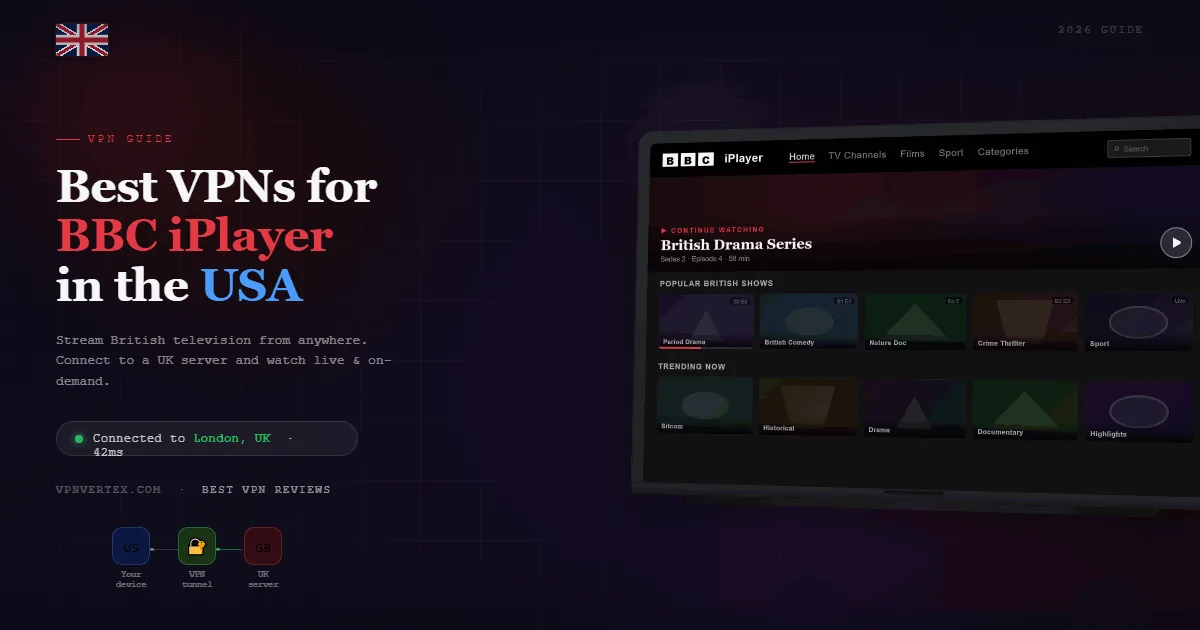
A BBC iPlayer VPN can encrypt a UK viewer's connection on home or public Wi-Fi, but it does not change BBC eligibility rules. BBC iPlayer is available only in the UK and access requires a valid UK TV Licence. VPN access is never guaranteed because the BBC may block VPN addresses or detect conflicting location signals.
Quick verdict for UK viewers
The practical first choice for eligible UK viewers who want a simple app, NordLynx, and broad device support.
Unlimited simultaneous connections make it useful for households with several phones, computers, and compatible TV devices. Detailed setup documentation covers Apple TV, Android TV, Fire TV, routers, and MediaStreamer-compatible devices. These rankings describe privacy features and setup options, not guaranteed iPlayer availability. Streaming services change detection systems, and a working server can stop working without notice.
Important: BBC iPlayer is a UK-only service
BBC Help states that iPlayer is available only in the UK and tied to a valid UK TV Licence. BBC terms also instruct users not to stream or download iPlayer television programs outside the UK. A VPN subscription does not replace either requirement.
This guide is for eligible viewers located in the UK who want connection privacy, protection on public Wi-Fi, or help diagnosing a VPN conflict. It does not recommend misrepresenting a location or bypassing geographic restrictions from the United States or another country.
If you are outside the UK, use the BBC services and licensed distribution options available in your country. The BBC.com subscription offered in the United States does not include iPlayer.
Why use a VPN with BBC iPlayer inside the UK?
The strongest reason is network privacy. A VPN encrypts traffic between your device and the VPN server, which can reduce exposure on hotel, airport, cafe, and other shared networks. Your internet provider can see that you connect to a VPN, but not the same destination detail it would see from an unencrypted connection.
A VPN can also provide a consistent privacy configuration across a laptop, phone, or supported streaming device. That does not make the BBC account anonymous. The BBC may still receive account information, cookies, device data, and the VPN server's IP address.
Performance is a tradeoff. Encryption and the additional server route can reduce speed or increase latency. For HD playback, start with a nearby UK VPN location and a modern protocol. If buffering begins only when the VPN is active, compare another nearby server or disconnect the VPN.
BBC iPlayer VPN comparison
| VPN | Best fit | Protocol | Connections | TV options |
|---|---|---|---|---|
| NordVPN | General UK use | NordLynx | 10 | Apps and router setup |
| Surfshark | Large households | WireGuard | Unlimited | Apps and compatible routers |
| ExpressVPN | Device setup guidance | Lightway | Up to 14, plan dependent | TV apps, routers, MediaStreamer |
Product details were checked against provider documentation on July 25, 2026. Connection limits, supported devices, and app features can change. Verify the current support page before purchasing.
1. NordVPN: best overall BBC iPlayer VPN
NordVPN is the balanced recommendation for an eligible viewer in the UK. NordLynx is built around WireGuard and is the sensible first protocol for streaming because it is designed to limit connection overhead. The account supports 10 simultaneous connections.
NordVPN markets SmartPlay as part of its streaming approach, but no provider feature can guarantee access to a third-party platform. If iPlayer displays a location or proxy warning, confirm that you are physically in the UK, update the app, and contact provider support rather than repeatedly cycling through distant locations.
The service also provides apps for major desktop, mobile, and television platforms. Devices without an app may require a compatible router. Read the NordVPN review for audit history, privacy details, and broader limitations.

2. Surfshark: best for many household devices
Surfshark allows unlimited simultaneous VPN connections under its current consumer VPN plans. That is useful when several household members want privacy on phones, laptops, tablets, and supported TV devices without counting active connections.
WireGuard is the first protocol to compare for video because it has a compact modern design. If playback becomes unstable, compare another nearby UK server, check for DNS or location conflicts, and test without optional filtering features. Do not assume that a different UK address will always restore access.
Surfshark is the value-oriented pick because of the device policy, not because of a temporary promotional price. Offers change frequently and should be checked at the provider checkout. See our Surfshark review for the full feature analysis.
3. ExpressVPN: best for setup documentation
ExpressVPN publishes setup guides for Apple TV, Android TV, Fire TV, routers, smart TVs, and MediaStreamer. That documentation is useful when a television cannot run a normal VPN app. MediaStreamer is a DNS service, not a VPN, so it does not provide the same traffic encryption.
Lightway is ExpressVPN's independent protocol and is available across its apps and router platform. Current plans support different simultaneous connection limits, with the provider advertising up to 14. Check the selected plan rather than assuming every subscription has the same limit.
ExpressVPN is not an approved affiliate on VPNVertex. The link below goes directly to the provider's official website without an affiliate redirect.
Visit the official ExpressVPN website
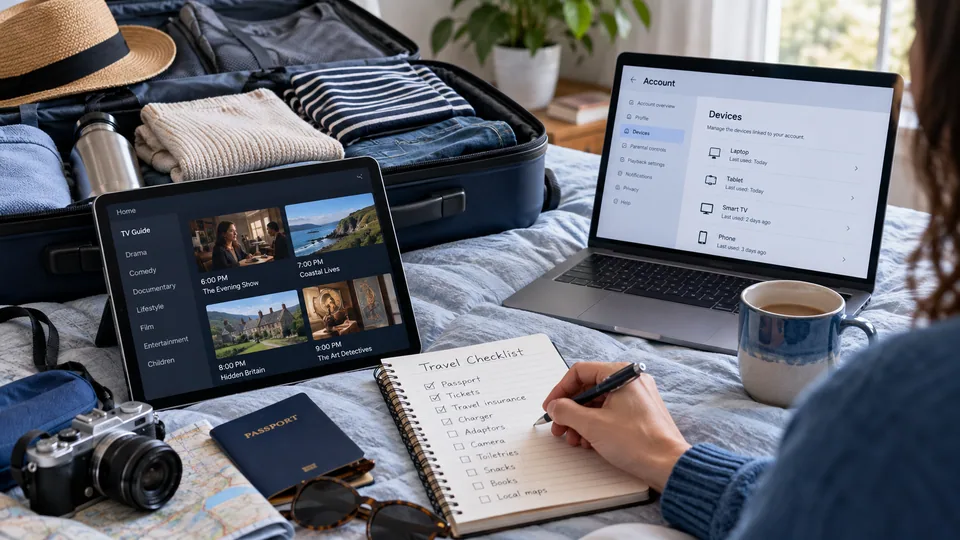
BBC iPlayer not working with a VPN in the UK
First confirm the basics: you are physically in the UK, your BBC account information is accurate, and you have a valid TV Licence. Then isolate whether the failure comes from iPlayer, the browser, the app, or the VPN connection.
01. Test iPlayer without the VPN
If playback also fails without the VPN, check BBC service status, account access, device time, and the internet connection.
02. Update and restart
Update the BBC app, VPN app, browser, and operating system. Restart the device before changing advanced settings.
03. Clear stale site data
Sign out, clear BBC cookies and cached data, reopen the browser, and sign in again. Do not erase unrelated browser data unless necessary.
04. Check location conflicts
Mobile GPS, browser location permissions, DNS settings, and an old IP session can disagree. Confirm that each signal reflects your real UK location.
05. Contact support
Ask the VPN provider whether it has a current iPlayer compatibility issue. Do not rely on an old server recommendation.
For general streaming diagnosis, see why a VPN can be slow and our guide to testing a VPN connection.
A proxy or location message can have several causes. The Netflix proxy-error walkthrough provides a support-first checklist that may also help isolate an iPlayer problem.
Using a VPN on televisions and streaming devices
Android TV, Apple TV, and Fire TV may support provider apps depending on the model and operating-system version. A smart TV without a compatible VPN app may require router-level protection or a DNS-only service.
Router installation protects traffic for attached devices but affects the whole network unless the router supports device groups or split routing. It can also reduce speed if the router processor is weak. Test one television before moving every device to the VPN connection.
DNS-only tools can change name resolution but do not create an encrypted VPN tunnel. They should not be described as equivalent privacy protection. For household streaming choices beyond BBC iPlayer, see our best VPN for streaming guide.
Travel changes the question rather than the setup. If you also hold a US subscription, read what actually applies to Hulu while you travel, and the Peacock travel guide covers the same ground for NBC content.
FAQ
Primary sources
- BBC Help: iPlayer availability and TV Licence
- BBC Terms of Use: iPlayer location rules
- NordVPN support: NordLynx
- Surfshark support: simultaneous connections
- ExpressVPN streaming support
- ExpressVPN device setup guides
Published: May 9, 2026 | Last updated: July 25, 2026 | Author: Simon Phillips