

Streaming
How to watch fuboTV outside the US with a VPN (2026)
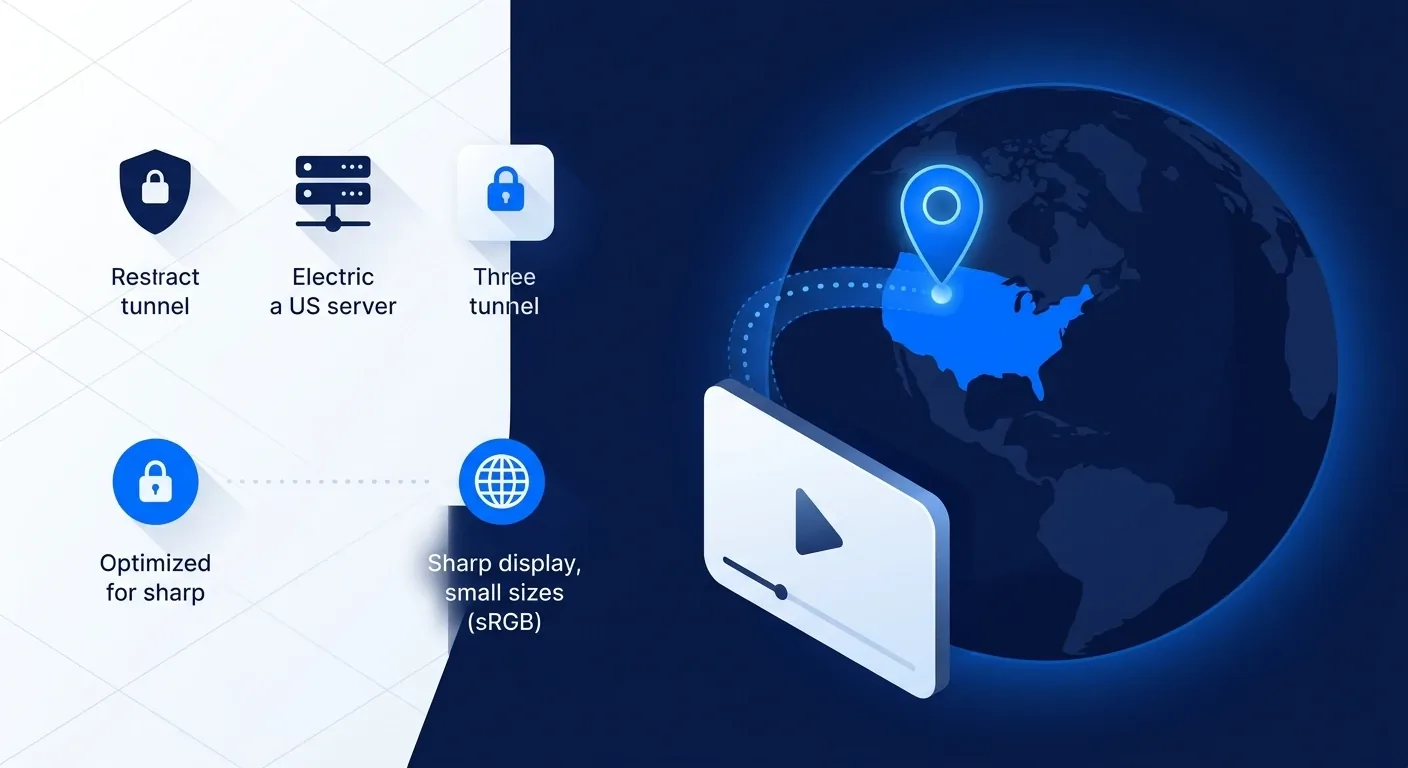
If you pay for fuboTV at home and then travel abroad, the app stops working the moment your IP address lands in another country. Learning how to watch fuboTV outside the US comes down to one move: route your connection back to a US server with a VPN so the service sees a home address again. This guide walks through the exact steps, the providers that still reach fuboTV in 2026, and what to do when a stream refuses to load.
Quick answer
fuboTV is licensed for the United States, with separate apps and smaller catalogs in Canada and Spain.
Outside those regions it blocks playback by reading your IP address. To reach your US subscription while traveling, install NordVPN, connect to a US server near your home city, clear the app cache, and reopen fuboTV. The streams that work most reliably in 2026 come from NordVPN, ExpressVPN, and Surfshark, because they refresh US addresses fast enough to stay ahead of fuboTV’s proxy detection.
Why fuboTV blocks you abroad
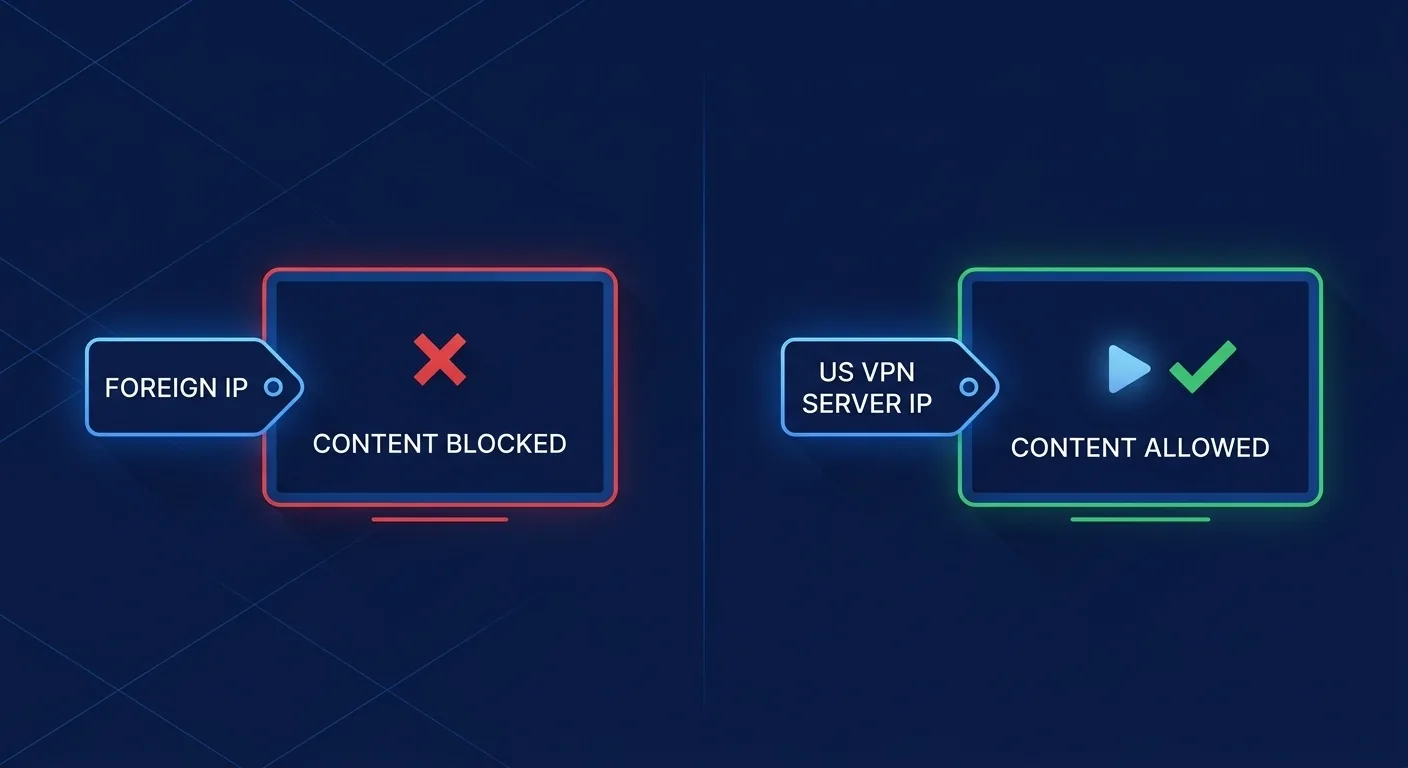
fuboTV’s content deals are signed market by market. The sports rights, local channels, and regional sports networks it carries are licensed for US viewers, so the platform has to confirm you are in the US before it streams. It does that by checking the country of your IP address. The moment that address belongs to another country, playback is replaced with an unavailable-in-your-location message, the block fuboTV documents in its support center. A VPN solves it by giving your device a US IP address again, which is why connecting to a home-country server is the standard fix. The same principle applies to local blackouts inside the US, where a regional sports network is tied to the billing ZIP on your account.
How to watch fuboTV outside the US, step by step
The whole process takes a few minutes. Do it once and the app remembers your settings.
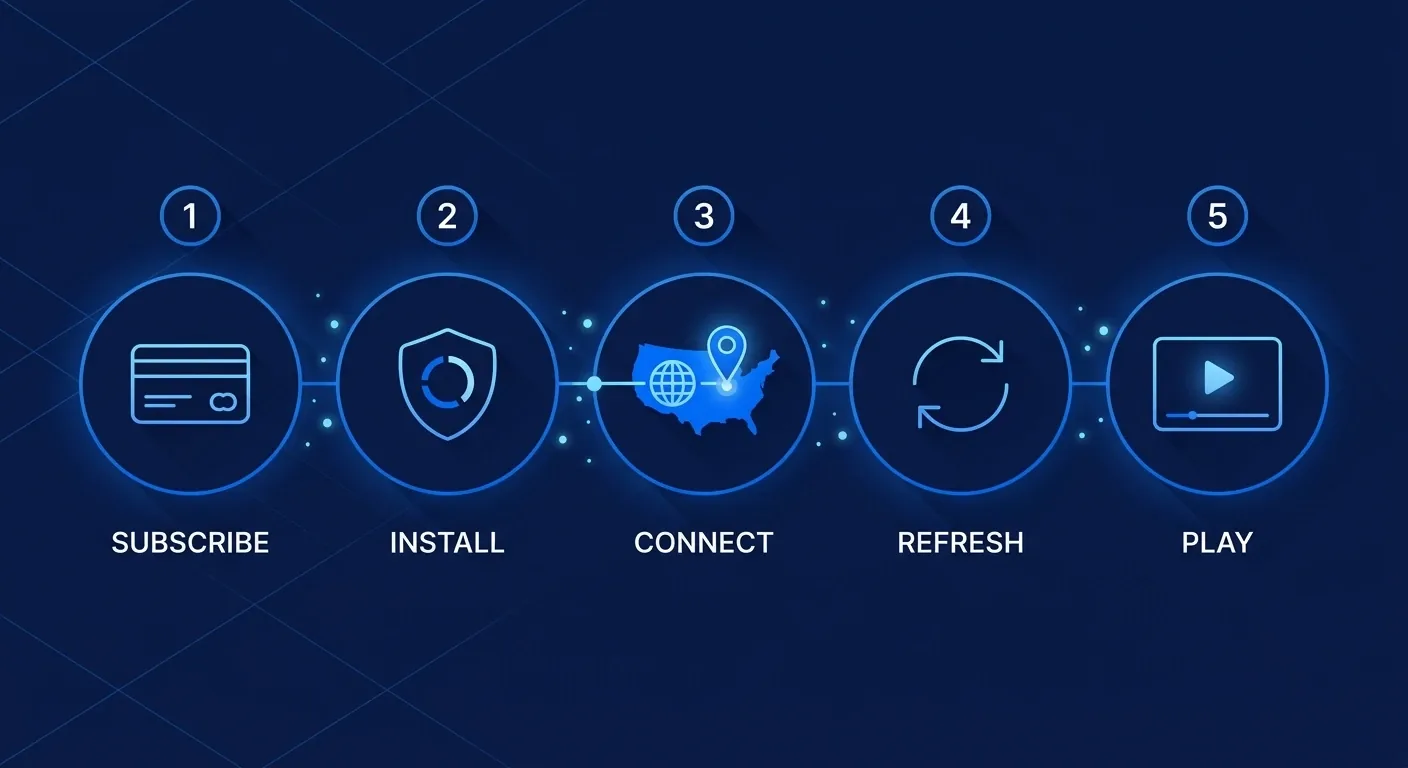
- Subscribe to fuboTV while you are still in the US, or use an existing US account. A VPN restores access to a subscription you already hold. It does not create one.
- Install a VPN with reliable US servers. The picks below all qualify. New to this? Our how to set up a VPN guide covers the first install.
- Open the VPN app and connect to a US server, ideally close to your home city to keep latency low.
- Clear the fuboTV app cache, or sign out and back in, so it drops the cached foreign location.
- Open fuboTV and start a stream. If it loads, you are set. If not, jump to the troubleshooting section below.
Best VPNs for fuboTV in 2026
Three providers reach fuboTV consistently and have the server depth to keep doing it.
NordVPN
NordVPN runs a large US server network and rotates addresses quickly, which keeps it ahead of fuboTV’s proxy checks. NordLynx keeps live sports smooth without buffering, and the apps cover every platform you are likely to stream on. It is the safe default, and the full picture is in our NordVPN review.
ExpressVPN
ExpressVPN is the pick when you want to stream on a television. Its MediaStreamer smart-DNS feature works on devices that cannot run a VPN app, and its US servers unblock fuboTV reliably. It costs more than the others, at around 6.67 dollars a month on the annual plan, but the device support is the trade-off you are paying for.
Surfshark
Surfshark covers an unlimited number of devices on one plan, so the whole household can stream fuboTV from abroad without juggling logins. Its US network unblocks the service, and the two-year price is the lowest of the three. If budget and device count matter more than anything else, start here.
Watching on a TV or device without a VPN app
A smart TV, an older Roku, or a games console often cannot run a VPN client directly. There are two ways around that. The first is a smart-DNS feature such as ExpressVPN’s MediaStreamer, which you point your device at in the network settings without installing anything. The second is installing the VPN on your router, so every device on that connection is covered at once. Router setup is more involved but covers hardware that has no app at all. For sports-heavy households, the same logic carries over to our best VPN for ESPN Plus guide.
If fuboTV still does not work
A proxy-error or location message after connecting usually has a quick fix. Work through these in order:
- Switch to a different US server. The address you landed on may already be flagged. A second or third US city usually clears it.
- Clear the app cache or reinstall fuboTV. The app can hold a cached foreign location until you force it to refresh.
- Disable IPv6 and check for WebRTC leaks. A leak can reveal your real country even with the VPN on. Most apps have an IPv6 toggle in settings.
- Connect before you open the app. Start the VPN first, then launch fuboTV, so it never sees your real location.
- Try the browser instead of the app. The web player is sometimes less aggressive about location checks than the mobile app.
If you have hit a similar wall on another service, the same techniques appear in our Netflix proxy error walkthrough.
Is watching fuboTV with a VPN legal?
Using a VPN is legal in the United States and most countries. What this guide describes is reaching a fuboTV subscription you already pay for while you happen to be abroad. That said, using a VPN to access streaming can run against fuboTV’s terms of service, so the account risk sits with you. We do not endorse using a VPN to obtain content you have no subscription to. Keep a valid US account, treat the VPN as a way to use it from the road, and you stay on the right side of the line.
FAQ
Final word
Reaching fuboTV from outside the US is one of the easier streaming fixes, because the service only needs to see a US IP address to let you back in.
Connect to a US server, clear the cache, and your paid subscription works the same as it does at home. NordVPN is the pick for most travelers on the strength of its US network and speed, ExpressVPN is the answer for televisions through MediaStreamer, and Surfshark covers a whole household on one plan. Keep a valid US account and the rest is a two-minute setup.
If you subscribe mainly for live sport, the blackout rules matter more than the VPN. Our ESPN Plus guide sets out which restrictions follow the account rather than the connection.