

Streaming
Best VPN for ESPN Plus 2026: Privacy and travel guide
The best VPN for ESPN Plus can protect your connection on public Wi-Fi and give you maintained apps for the devices you travel with. It cannot remove sports licensing rules, local blackouts, or subscription requirements. ESPN+ content now sits inside the ESPN Select and ESPN Unlimited plans, so checking the plan and event listing matters before choosing any privacy tool. This guide compares the useful VPN options without promising access to restricted games.
Bottom line
Use a VPN with ESPN Plus for connection privacy on public or shared networks, not as a promise of access to restricted games.
NordVPN is our practical pick for viewers who want a polished consumer app and current privacy documentation. Confirm an event's official availability before subscribing to any sports package.
Short answer
The best VPN for ESPN Plus is one that protects your connection on the devices you use, has maintained apps, and publishes meaningful privacy information. A VPN is useful for securing a streaming session on untrusted Wi-Fi. It is not a legitimate way to override blackout rules, subscription limits, regional rights, or account requirements.
ESPN states that blackouts and other restrictions apply to its sports offerings. Eligibility can depend on the event, subscription, TV-provider relationship, device, and rights that apply to a location. Check the event listing and current terms before the game starts.
ESPN Select, Unlimited, and ESPN+ explained
ESPN changed the packaging, not the underlying rights rules. ESPN Select is the closest match to the former standalone ESPN+ subscription. ESPN Unlimited adds the full group of ESPN networks and services. Some eligible pay-TV packages may already include Unlimited access, but subscribers need to activate it with their MyDisney login.
| Plan | Main access | Important limit |
|---|---|---|
| ESPN Select | ESPN+ events, originals, replays, and selected sports | Does not include every ESPN network |
| ESPN Unlimited | ESPN+ and the full ESPN network lineup | Event rights and blackouts still apply |
| Eligible TV package | May include ESPN Unlimited after activation | Availability depends on the provider and package |
Before an event, open its official ESPN listing and confirm which plan or network carries it. A VPN cannot turn Select access into Unlimited access or add a network that the subscription does not include.
What blackout rules mean
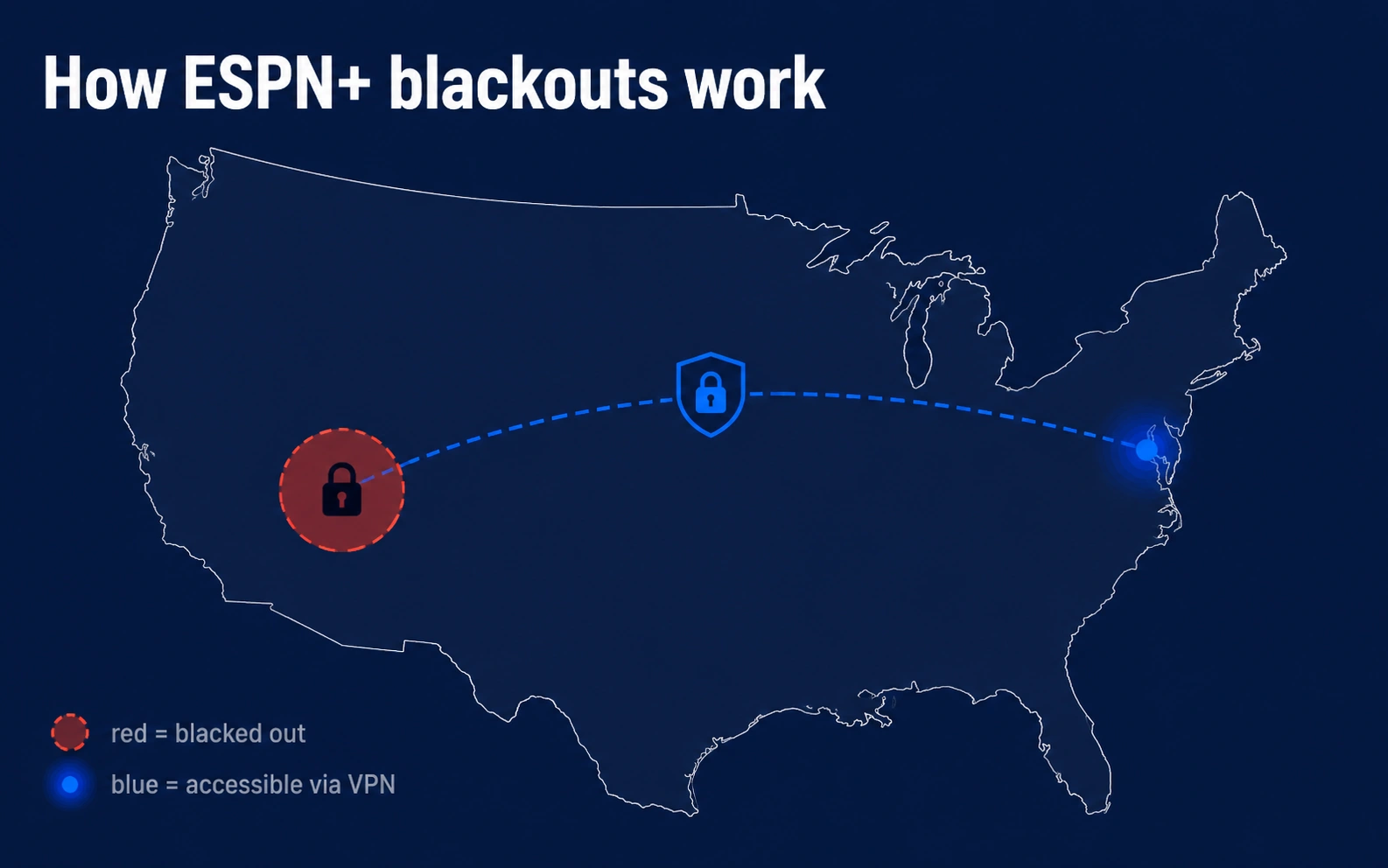
A blackout is a rights decision, not a technical fault with a phone, TV, or home network. League agreements can reserve a game for a local broadcaster, a national network, a different package, or a separate service. ESPN's current sports pages state that blackouts and restrictions apply, while MLB directs viewers to its own blackout information for local and national rules.
| Situation | What to check | Legitimate next step |
|---|---|---|
| A game is unavailable | Event page and package eligibility | Check the league or broadcaster listing |
| A local game is restricted | Local and national blackout policy | Use the authorized rights holder |
| Playback fails at a hotel | Wi-Fi sign-in, app update, account status | Use a trusted connection or support |
A VPN should not be presented as a workaround for those restrictions. It may alter technical signals used by a service and can create playback or account checks. Use an authorized package or broadcaster for the event instead.
Where a VPN helps while streaming
Streaming on a cafe, airport, stadium, or hotel network exposes more of your connection to that network than streaming at home. A VPN encrypts traffic between the device and the VPN provider, which can reduce exposure to local network operators. It does not make a person anonymous, remove tracking by the streaming service, or protect an account with a weak password.
For connection privacy, look for a current app for your platform, a clear no-logs policy with independent review, supported DNS and IPv6 protections, and an accessible kill-switch setting. Device support differs between Windows, Apple devices, Android, TVs, and routers, so review the provider documentation for the exact app you use.
Travel and account access
Travel can create legitimate account and device questions even without a VPN. ESPN's available content, plan names, and rights can change. Before leaving, install the official apps, confirm the subscription is active, and review the event schedule. Use the service only where it is offered and according to its terms.
If a game is unavailable, do not repeatedly switch locations or alter account details in an attempt to change the result. Check the official event page, league rights information, and local broadcaster. That approach is clearer and avoids turning a rights issue into an account-security problem.
Legitimate viewing options
Sports rights are fragmented, so one subscription rarely covers every game. ESPN offers different plans and bundles, while some events remain tied to a league service, local broadcaster, cable or live-TV provider, or national network. The event listing, not a generic VPN recommendation, is the practical source of truth.
For other live-sports services, our DAZN, Sling TV, and fuboTV guides explain their current plan and travel limitations.
- Check ESPN's event and plan pages for the game or season.
- Check the league's official schedule and blackout information.
- Check whether a TV provider or live-TV plan includes the relevant network.
- Use official replays, highlights, radio coverage, or local subscriptions where available.
Best VPN for ESPN Plus connection privacy
The useful comparison is about connection security, device support, and transparency. No provider can guarantee that a particular ESPN event will play, and a VPN should not be marketed as a blackout-removal tool.
| VPN | Best fit | Evidence and controls | ESPN limitation |
|---|---|---|---|
| NordVPN | Most viewers and frequent travelers | Independent no-logs assessments, kill switch, broad app support | Does not change plan or event eligibility |
| Proton VPN | Transparency-focused users | Open-source apps, published audits, credible free plan | Free server choice is restricted |
| Surfshark | Households with many devices | Unlimited simultaneous connections and audited no-logs configuration | Account rules and blackouts still apply |
Our verdict: NordVPN remains the practical overall choice because its apps cover common travel and living-room platforms and its privacy claims have independent review. Proton VPN is the stronger transparency pick. Surfshark is useful when a household needs many simultaneous connections.
Choosing a VPN for connection privacy
For safer streaming on untrusted Wi-Fi, the best choice is not necessarily the service with the longest list of marketing claims. Check the provider's published audit history, supported devices, account limits, refund terms, and whether its app is easy to keep updated.
NordVPN is a reasonable option for people who want a broad consumer app and independently reviewed no-logs claims. Proton VPN is worth considering for open-source apps and its free tier, although the free plan has feature and server limits. Surfshark can suit households that need many simultaneous connections. None of these products can promise access to a particular ESPN event.
For privacy and device tradeoffs, see our NordVPN review, Proton VPN review, and Surfshark review.

Device and account checks before game time
A streaming problem is often ordinary troubleshooting, especially on a TV, hotel network, or recently updated phone. Sign in to the ESPN app well before the event, then check that the app and operating system are current. Confirm that the device date and time are automatic, because incorrect time settings can interfere with secure connections and account checks.
On a smart TV or streaming device, restart the app before reinstalling it. On a phone or laptop, complete any hotel or airport Wi-Fi portal in a normal browser before opening the stream. If the connection is slow, reduce other heavy activity on the same network and try the official service again. These steps address common technical causes without assuming the event should be available on a particular plan.
| Symptom | First check | When to contact support |
|---|---|---|
| Sign-in loop | Password, account email, and app update | After a confirmed account reset does not resolve it |
| Buffering | Wi-Fi portal, signal, bandwidth, and device update | When other official streams also fail |
| Event unavailable | Schedule, plan eligibility, and rights holder | When the listing conflicts with the subscribed package |
If ESPN Plus is not working with a VPN, disconnect the VPN first and retry the official app. Then confirm the account plan, event eligibility, app version, device time, and network portal. ESPN states that location for blackouts can be determined by IP address, and mobile viewers who believe a blackout is incorrect can retry on Wi-Fi or contact ESPN support. Repeatedly switching VPN locations does not correct a subscription or rights problem.
Using public Wi-Fi more safely
Public Wi-Fi is convenient, but the network operator and other users are outside your control. Avoid entering payment details on a network that does not use a normal sign-in portal. Prefer a mobile hotspot or a trusted home connection for account changes. If public Wi-Fi is the only option, use a VPN for the privacy of the connection, keep software updated, and avoid sharing the device with people who do not need access to the account.
A VPN is one part of account security. A unique password, multi-factor authentication, recovery information you can access while traveling, and timely app updates are equally important. For a practical check of the network side, see our guide to testing whether a VPN is working. It covers DNS, IPv6, WebRTC, and connection controls without tying the result to a specific streaming platform.
Before the event starts
A few minutes of preparation can prevent most avoidable streaming problems. Open the official event page, confirm the start time and the package named on that page, then sign in before the broadcast begins. If you are traveling, keep a second approved device available for account recovery and make sure the app is installed from its official store. Avoid making last-minute billing or location changes because they can trigger ordinary security reviews.
When an event is governed by local rights, the official schedule and broadcaster are more reliable than a social-media claim or a VPN marketing page. This is particularly important for live sport, where rights and listings can change during a season. A privacy tool can secure a connection, but it cannot replace the correct subscription or rights holder.
Combat sports and European football often sit elsewhere. Our DAZN guide applies the same privacy-first reasoning to a service with very different rights and blackout rules.
