

Education
NordVPN router compatibility: VPN client, firmware and protocol checklist
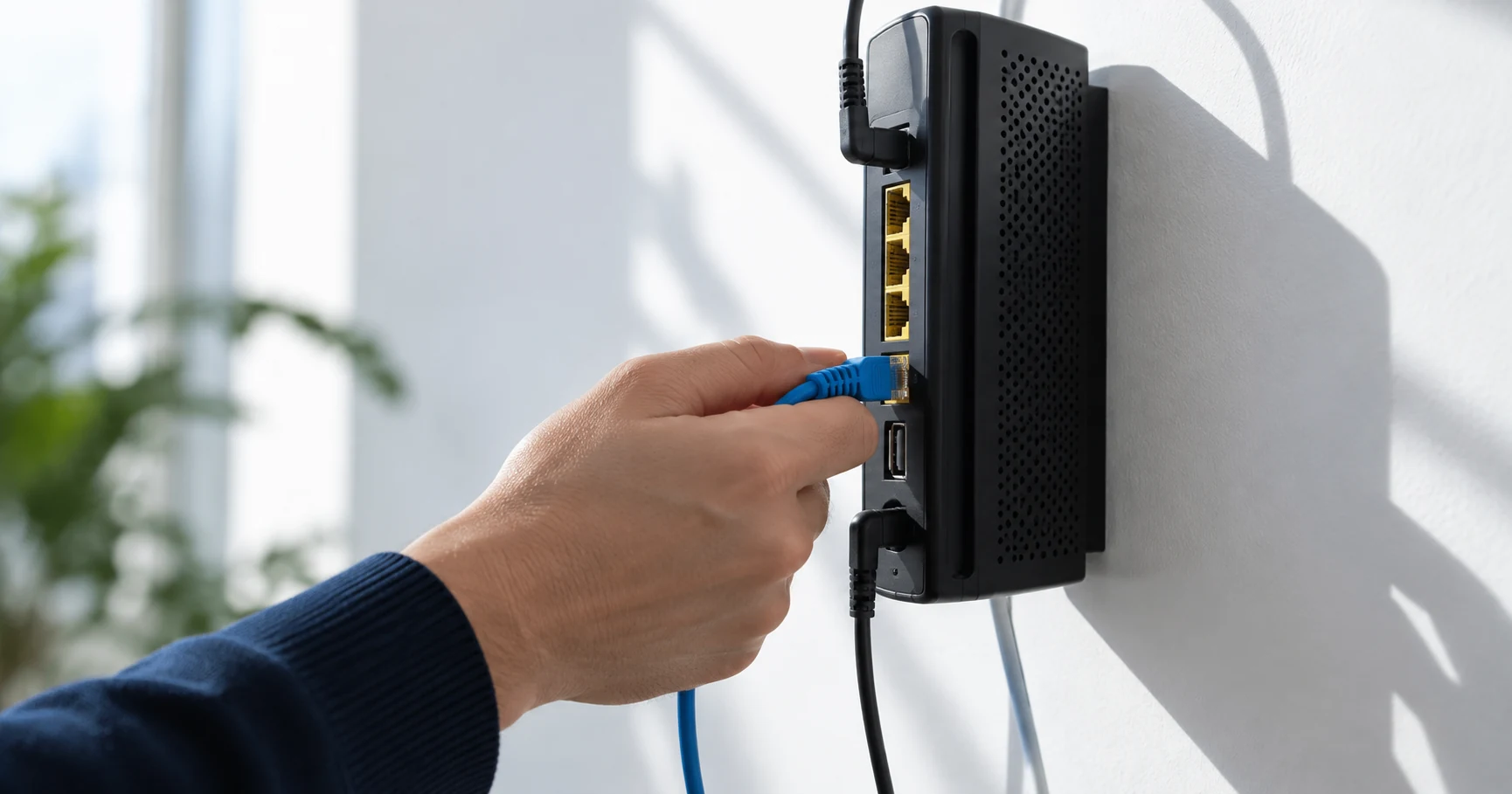
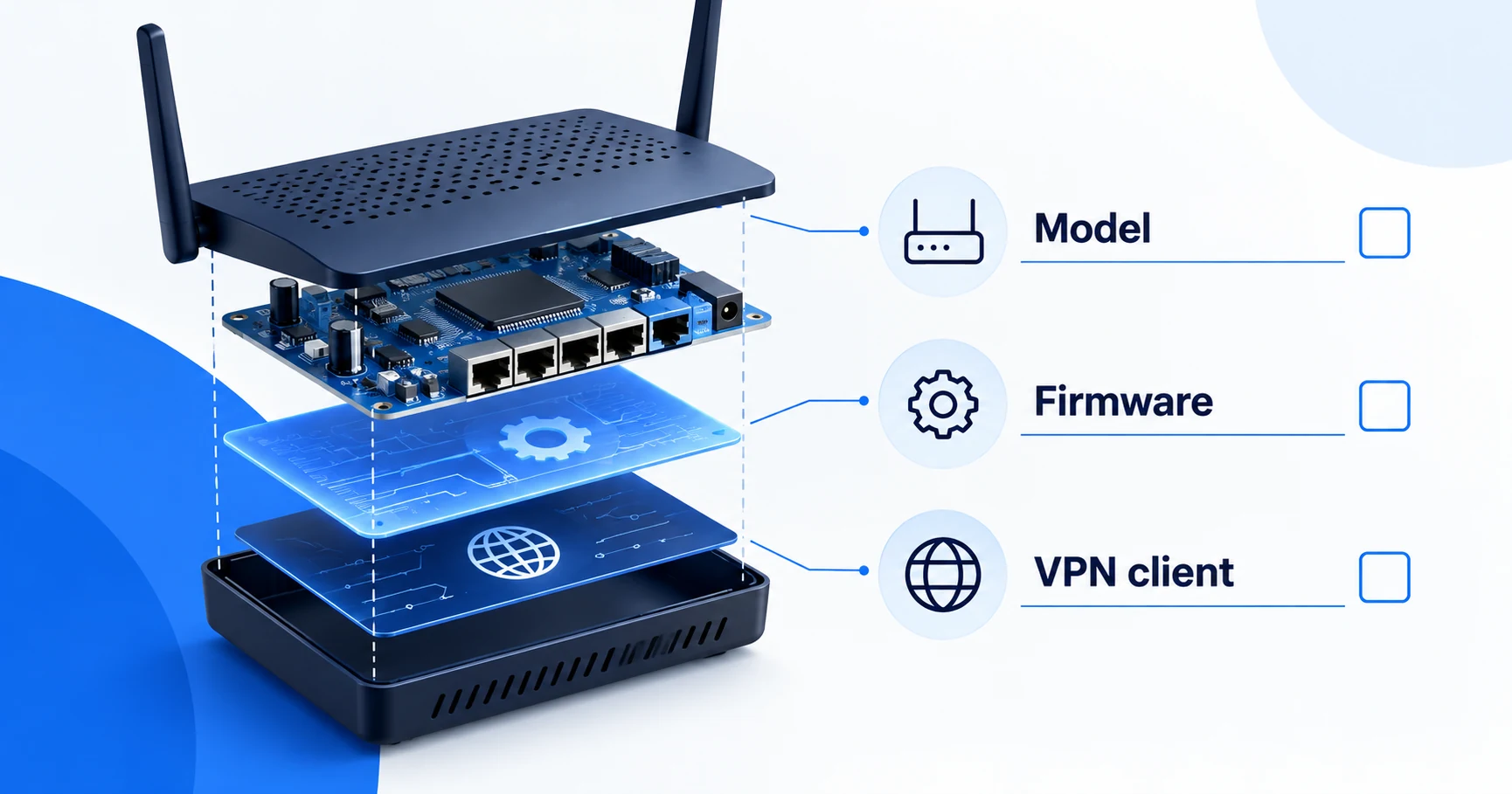
Identify the exact model and firmware before judging VPN compatibility.
A router advertising “VPN support” may only accept incoming connections to your home network. To connect the router to NordVPN, you need a supported VPN client method on the exact model and firmware you own.
Look for a client, not just a VPN menu
NordVPN's router guidance recommends supported devices with an OpenVPN client and distinguishes specific NordLynx integrations. A generic WireGuard setting is not sufficient evidence that a router supports NordLynx. Check the provider's instructions for the actual integration.
TP-Link's NordVPN setup guide illustrates the OpenVPN route through a VPN Client section, an imported .ovpn configuration and service credentials. GL.iNet separately documents an OpenVPN client in its 4.x firmware. Those examples demonstrate the type of evidence to look for; they do not make every router from either brand compatible.
How this guide was researched
This guide compares published provider documentation and the limits stated in the sources below, reviewed on October 14, 2026. Recommendations follow the specific compatibility or plan requirement explained in the article. VPNVertex has not performed device, speed, leak or streaming tests for this guide. Suggested checks are tasks for the reader, not reported test results.
Our research methodology explains how we distinguish provider statements from independent evidence.
Compare three features often labeled VPN
| Router feature | Traffic direction or purpose | Does it establish NordVPN compatibility? |
|---|---|---|
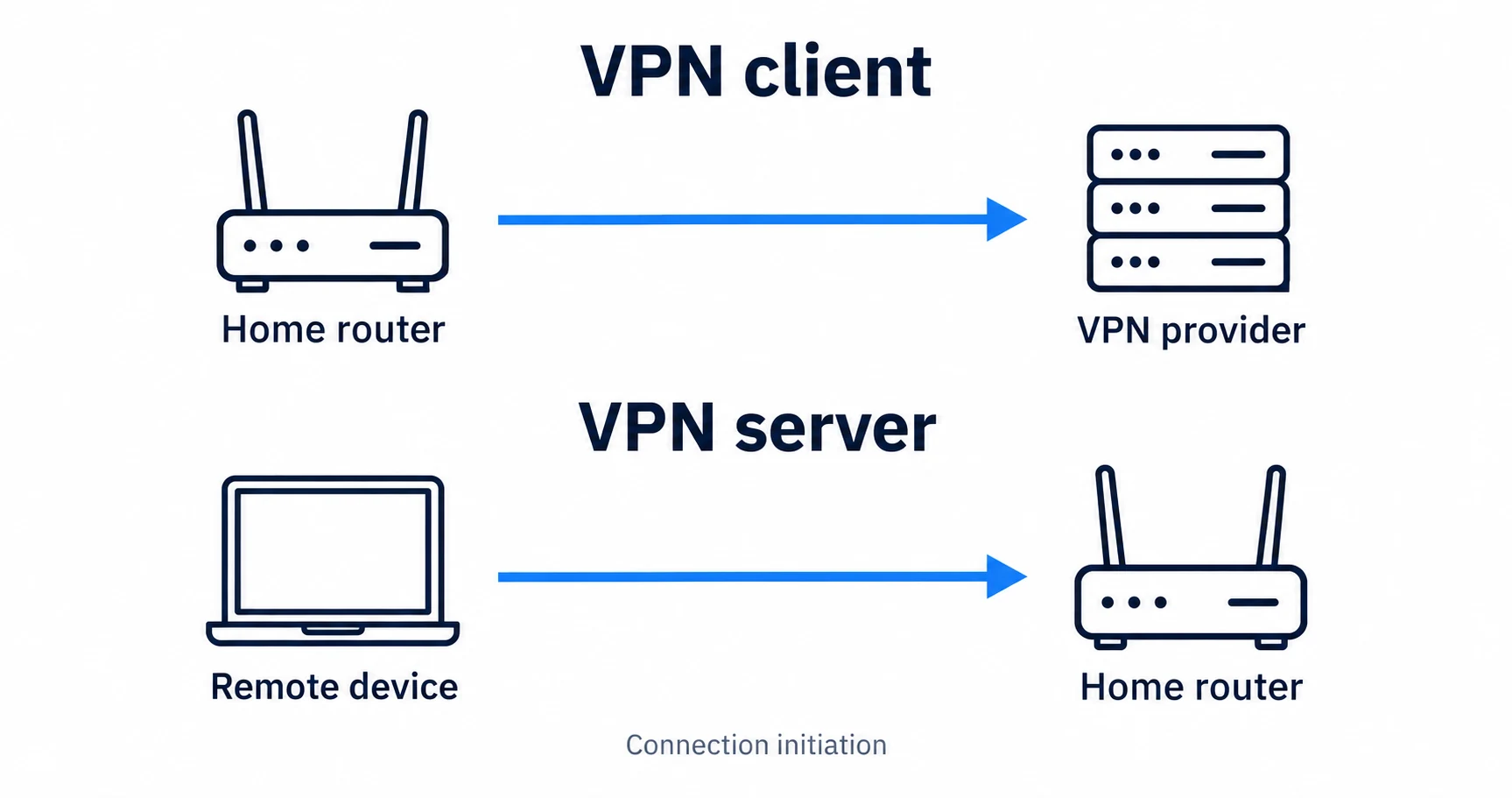
| VPN client | The router initiates a tunnel to a provider | Only when the exact model, firmware and supported method match |
| VPN server | Remote devices connect into your network | No; hosting incoming connections is a different role |
| VPN passthrough | Allows certain VPN traffic to pass through the router | No; it does not create a provider tunnel for all attached devices |
For the documented manual NordVPN route, look for an OpenVPN client. A generic WireGuard option does not prove NordLynx support. Use the manufacturer’s procedure for the exact firmware, not a VPN label on the product box.
The compatibility checklist
| Check | Acceptable evidence | Insufficient evidence |
|---|---|---|
| Model and revision | Documentation naming your exact hardware | A recommendation for another model from the same brand |
| Firmware | A supported release exposing the required client | An old screenshot with an unexplained menu |
| Connection role | A VPN client that connects to an outside service | VPN server or passthrough alone |
| Protocol | NordVPN instructions for the supported method | Assuming WireGuard implies NordLynx support |
| Credentials | The credential type named by the instructions | Trying the website password in every field |
| Device routing | Documentation showing which devices follow the tunnel | Assuming the whole network is covered automatically |
Record the model, hardware revision and firmware before contacting support. Those details make a compatibility question answerable.
Client, server and passthrough mean different things
A VPN client on the router initiates a connection to a VPN endpoint. A VPN server on the router is generally used to accept a connection from elsewhere, such as a device reaching your home network. VPN passthrough allows certain VPN traffic to pass through the router; it does not mean the router itself operates the tunnel.
That difference explains why a router can truthfully advertise VPN functionality yet fail your intended use. Read the connection role and supported protocol rather than shopping for the acronym.
The basic VPN traffic-path guide explains the tunnel concept. If protocol names are the confusing part, the protocol comparison provides the necessary background.
What the documented OpenVPN route establishes
TP-Link's instructions use a VPN Client configuration, a provider configuration file and NordVPN service credentials. Those service credentials should be obtained through the method NordVPN documents. Do not publish them in a screenshot, paste them into a public forum or confuse them with a generic example shown in a tutorial.
The router manufacturer's firmware instructions and the VPN provider's connection instructions must both fit. One supplies the settings interface; the other supplies the supported service configuration. If they disagree, resolve that mismatch before changing the router.
GL.iNet's 4.x OpenVPN client documentation is another example of firmware-specific guidance. An instruction for 4.x is not automatically correct for another interface or release. We have not flashed firmware or connected a router for this article.
Do not infer NordLynx from WireGuard
NordVPN's router page identifies particular integrations that support NordLynx. Treat that as a named compatibility path. A router's ability to import some WireGuard configurations does not establish that NordVPN supplies a configuration suitable for that interface.
Before purchasing hardware for this purpose, obtain explicit support for the model, firmware and NordVPN method. Avoid replacing firmware simply to satisfy a comparison chart; firmware changes can affect the router's operation and recovery process.
This guide establishes what to verify. It does not recommend a router purchase, promote a hardware vendor or provide an untested flashing procedure.
Decide which devices should use the tunnel
A router-wide tunnel can affect more than the television or laptop you had in mind. Check whether the router can select devices or routes and how it behaves when the VPN connection drops. Establish whether normal internet access resumes or traffic stops under the chosen configuration.
Phones may leave the router network when they switch to cellular data. Guest Wi-Fi may have a different route. A device that uses its own VPN app can also behave differently from one relying entirely on the router. Do not assume one status indicator proves every path.
The home VPN guide helps decide whether router-level use fits the household. For Roku specifically, the Roku network-method guide applies this checklist to a device without a native VPN app.
Router compatibility questions
Confirm the exact combination
Keep the existing router if its supported client method meets the requirement. Resolve the model, firmware, protocol and traffic-selection questions before changing hardware or subscribing. If the purpose is a television without an app, continue with the Roku setup-method comparison.
Sources
Provider statements are attributed below. Publication dates and current availability can differ; the review date records when the cited documentation was examined.
- NordVPN Support: supported router methods
Reviewed October 14, 2026. - TP-Link: setting up NordVPN through VPN Client
Reviewed October 14, 2026. - GL.iNet: OpenVPN client, firmware 4.x
Reviewed October 14, 2026.