

Lifestyle
VPNs for Chromebook: choose an Android app or a browser extension

Check which app environments and permissions your Chromebook provides.
Before paying for a Chromebook VPN, find out whether you can install Android apps and whether the device is managed by a school or employer. An Android VPN app and a Chrome extension offer different coverage, even when they come from the same provider.
Start with the installation route
For a Chromebook that supports Android apps and Google Play, Proton VPN documents installation through its Android app. That route is worth investigating when your requirement goes beyond browsing. If your requirement is specifically Chrome traffic, a supported browser extension may be enough; NordVPN documents a Chrome extension route for Chromebook.
A managed Chromebook may restrict either method. Ask the administrator which tools are allowed. A subscription cannot grant installation rights, and this guide does not recommend bypassing school or workplace controls.
How this guide was researched
This guide compares published provider documentation and the limits stated in the sources below, reviewed on October 14, 2026. Recommendations follow the specific compatibility or plan requirement explained in the article. VPNVertex has not performed device, speed, leak or streaming tests for this guide. Suggested checks are tasks for the reader, not reported test results.
Our research methodology explains how we distinguish provider statements from independent evidence.
Compare the available Chromebook routes
| Service | Documented route | Important boundary |
|---|---|---|
| NordVPN | Android app on compatible Chromebooks, or browser extension | An extension covers browser traffic; it is not a substitute for the Android app |
| Surfshark | Android app on supported Chromebooks, or Chrome extension | Check Google Play availability and installation permission first |
| Proton VPN | Android app on compatible Chromebooks; free and paid plans | Confirm support for your device and the specific paid feature you need |
A managed school or work Chromebook can restrict installation regardless of the subscription. None of these options should be purchased as a promise to override administrator policy. Choose the route whose documented scope includes the applications you actually use.
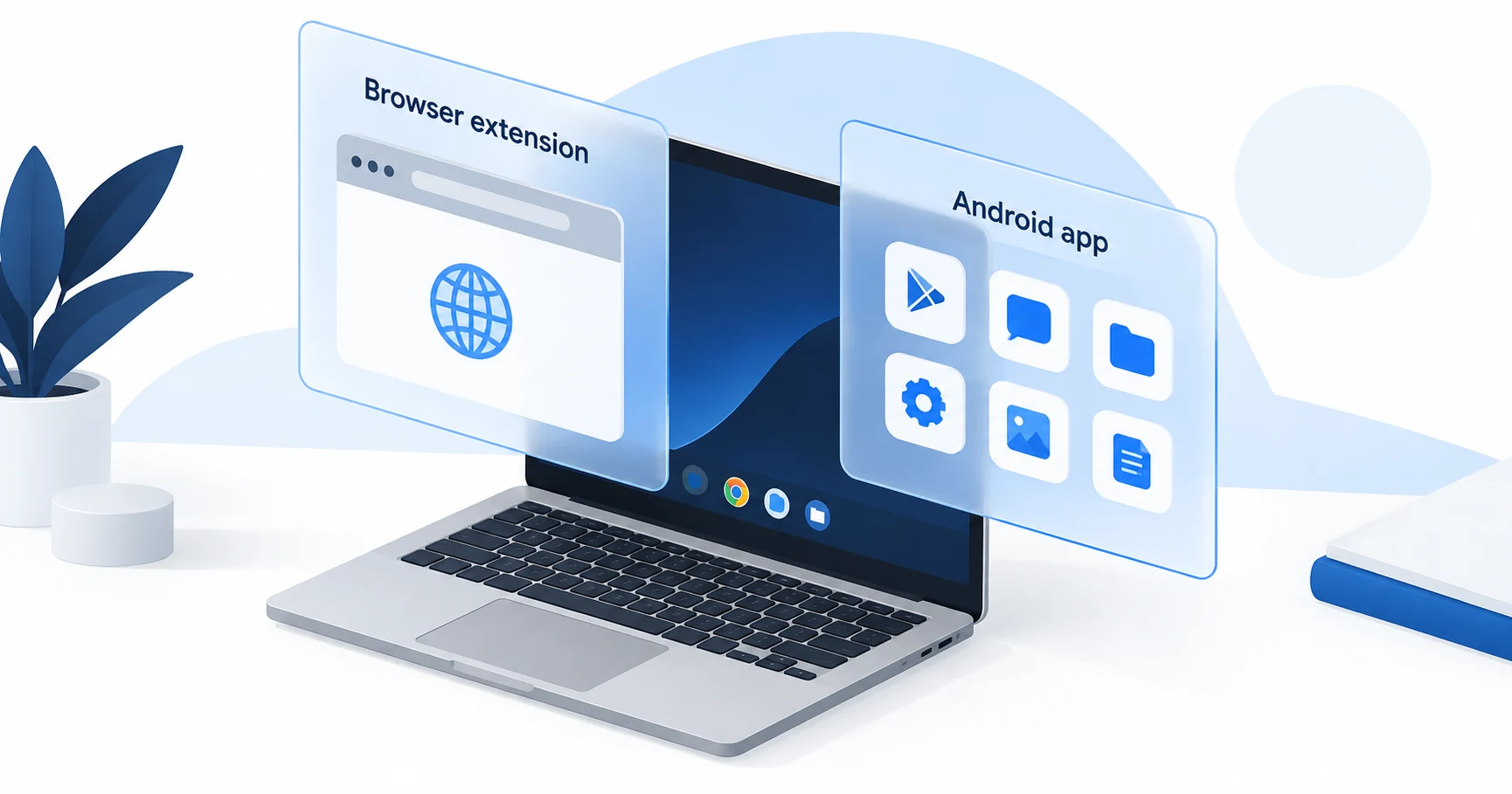
App or extension: choose the coverage you need
| Requirement | Route to investigate | Important limitation |
|---|---|---|
| Protect browsing in Chrome | A supported Chrome extension | Do not assume Android apps or other environments are covered |
| Use a supported Android VPN client | Android app through Google Play | Confirm device support, installation rights and routing for your workload |
| Use a school or company Chromebook | The administrator's approved method | Personal subscriptions do not override management policy |
| Protect work inside a Linux environment | Check that environment's documented network behavior | A browser extension is insufficient evidence of Linux traffic coverage |
Write down the applications that matter. If you use only webmail in Chrome, your need differs from someone running an Android messaging app and Linux development tools. Choose the installation route against that list instead of treating “Chromebook compatible” as complete coverage.
What Proton's Chromebook support establishes
Proton's official Chromebook download page describes using the Android application and requires support for Android apps and Google Play. The useful first check is therefore the Chromebook's capability, not a price comparison.
Proton offers free and paid service, but the presence of the same application does not give both plans identical features. Check any requirement for location choice, filtering or other paid functions in the current plan documentation. If the free plan fits your task, there is no reason to subscribe merely to perform an initial compatibility check.
For the wider free-versus-paid distinction, consult the Android VPN plan comparison. Its operating-system focus is relevant because Proton's documented Chromebook method uses that application; it is not a claim that every Android feature behaves identically on every Chromebook.
When an extension is the right scope
An extension can be appropriate when you intentionally want a separate route for browser traffic. It is a weaker choice when you expect it to protect software outside the browser. NordVPN's Chromebook page includes an extension method, but the existence of that method should not be read as device-wide coverage.
Install only the extension linked by the provider or its official store listing. Check the publisher, permissions and supported browser. A similarly named extension is not proof that it is supplied by the VPN company.
If you also use Firefox elsewhere, the Firefox extension and app comparison explains the same scope question in that browser. Avoid buying two services until you know whether one supported account can meet both needs.
Verify the task before the long subscription
- Identify the Chromebook model and current ChromeOS version.
- Check whether the device supports Google Play and whether you are allowed to install the app.
- List Chrome, Android and Linux workloads separately.
- Match each workload to the provider's documented coverage.
- Check reconnection and the protection controls available in that installation.
- Review the purchase channel, initial payment and cancellation terms.
If an application outside Chrome must use the VPN, verify that application rather than checking only the address shown by a website in Chrome. A successful browser check cannot establish the route of an unrelated app.
We have not tested a Chromebook, an Android container or a managed network for this article. Compatibility statements come from provider documentation. Your model, management policy and software version remain part of the decision.
What should make you stop before buying?
Stop if the required method is blocked by the administrator, if the device no longer supports the needed software, or if the provider cannot explain the coverage of your critical application. A refund policy is a fallback, not a substitute for answering a compatibility question that can be resolved first.
For a paid plan, compare the full subscription amount with the length of time you will use this Chromebook. If you also need other family devices connected, include them in the household connection count. A inexpensive Chromebook-specific offer is less useful if it forces a second subscription for the rest of the household.
Chromebook VPN questions
Pay for supported coverage
Choose an Android app route when your supported Chromebook and workload require it. Choose an extension when browser-only coverage is the intended outcome. Before paying, review the free and paid Android features against the app you are actually allowed to install.
Sources
Provider statements are attributed below. Publication dates and current availability can differ; the review date records when the cited documentation was examined.
- Proton VPN: Chromebook download
Reviewed October 14, 2026. - NordVPN: Chromebook app and extension options
Reviewed October 14, 2026. - Proton VPN: Android plan features
Reviewed October 14, 2026. - Surfshark: Chromebook app and extension
Reviewed October 14, 2026.