

Lifestyle
VPNs for public Wi-Fi: when a free plan is enough and when to pay

Public Wi-Fi needs follow you through airports, hotels and cafés.
A café connection does not automatically justify a long VPN subscription. Start with the devices you actually use away from home, then check whether a free plan covers them. Paying makes more sense when you need control over server locations, several simultaneous connections or a specific paid feature.
When to stay free and when to pay
For occasional browsing on one personal device, Proton VPN's free service is a sensible starting point: its Android documentation states that it has no data cap. Try the supported app on your device before buying anything. A free plan with enough data can still have restrictions on server selection and features, so check the feature you need individually.
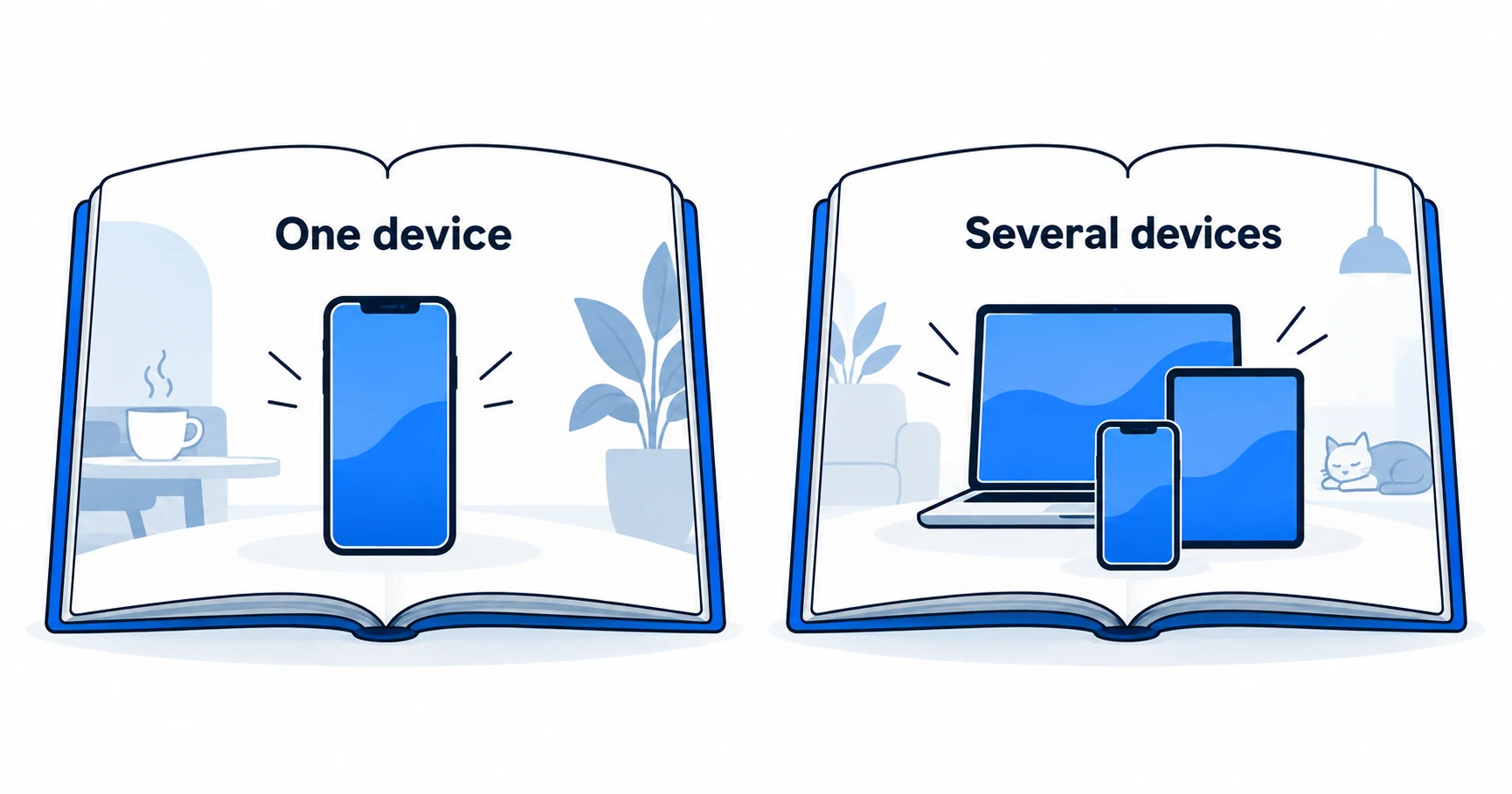
A household using several devices at once has a different problem. Surfshark's documented unlimited simultaneous VPN connections can remove the need to count active devices, within its household-sharing and acceptable-use conditions. NordVPN and Proton VPN paid plans are also worth considering when their supported apps and connection allowances cover your actual use. None earns a recommendation simply because it advertises a large discount.
How this guide was researched
This guide compares published provider documentation and the limits stated in the sources below, reviewed on October 14, 2026. Recommendations follow the specific compatibility or plan requirement explained in the article. VPNVertex has not performed device, speed, leak or streaming tests for this guide. Suggested checks are tasks for the reader, not reported test results.
Our research methodology explains how we distinguish provider statements from independent evidence.
Compare the plans for your travel pattern
| Service | Documented option | When it fits |
|---|---|---|
| Proton VPN | Free Android/iOS access with unlimited data; paid features are separate | Start here for basic access on a supported device without buying a plan |
| NordVPN | Paid VPN subscription; up to 10 simultaneous devices | Consider it when the required apps and a ten-device allowance fit your trip |
| Surfshark | Paid VPN service with unlimited simultaneous connections for permitted household use | Consider it when the traveling household needs more than ten active connections |
A connection allowance is not a security rating. The paid choice is justified by a feature or device requirement; occasional use of public Wi-Fi alone does not establish that a subscription is necessary.
Choose for the situation you actually encounter
| Your situation | Reasonable starting point | What would justify paying? |
|---|---|---|
| Occasional café browsing on a phone | A reputable free app compatible with your phone | A needed location or feature unavailable on that plan |
| Laptop and phone connected during travel | Check the simultaneous connection allowance | Keeping both protected without switching sessions |
| Several people traveling together | Compare household sharing and device limits | A plan covering the busiest period of use |
| Company laptop on hotel Wi-Fi | Follow your employer's connection policy | Only a service your employer permits |
| Watching a paid streaming service abroad | Check the service's regional and account restrictions | A supported feature, never a promise of guaranteed access |
The important number is concurrent use. Installing an app on an old tablet does not necessarily consume a connection while that tablet is offline. Count the devices active together using our household connection worksheet.
What the subscription does not solve
A VPN encrypts traffic between your device and the VPN endpoint when that traffic passes through the tunnel. It does not make a fake website legitimate, repair an infected laptop or stop you from entering a password into a phishing form. HTTPS already protects the contents of a connection to a correctly authenticated website; a VPN adds a different layer between your device and its endpoint.
This matters when comparing plans. An advertisement about dangerous hotspots is not evidence that you need the most expensive bundle. Decide whether you want VPN routing, a particular filtering feature or a separate security tool. Those are different purchases with different limits.
For the practical precautions around network names, updates and connection settings, use the existing guides to protecting your phone on public Wi-Fi and using public Wi-Fi on a computer. Choosing a subscription does not replace those checks.

Compare the feature on your operating system
Begin with the actual device, not the provider's longest feature list. An extension might cover a browser while leaving another app outside its protection. A kill switch, which blocks selected traffic when a VPN connection fails, may work differently across operating systems. Read the documentation for the app you will install.
Proton's free Android service is a useful example of why “free” needs a precise definition. Unlimited data addresses the amount you can transfer. It says nothing by itself about the choice of country, streaming support, filtering or how many devices can connect together. Proton documents paid features separately. Surfshark's unlimited VPN connection policy likewise does not extend automatically to every other product in a security bundle.
A useful upgrade
- It solves a restriction you have already encountered.
- Its required feature is documented for your app and plan.
- The total charge and renewal terms fit the period you need.
A weak reason to upgrade
- A countdown discount without a clear need.
- A feature advertised only for another operating system.
- A promise that every hotspot or website becomes safe.
Run a small check before committing
Install the official app on a device you control. Use an ordinary connection first so you can distinguish an installation problem from a hotspot problem. Confirm that you can connect, disconnect and find the relevant protection settings. This is a check for you to perform; we have not tested your device or network.
Then try the websites and apps you actually need. If a hotel or café asks you to complete a sign-in page, follow the provider's captive-portal guidance. Avoid entering sensitive information while the VPN is disconnected. If the network blocks VPN connections, a larger subscription does not guarantee a solution.
Finally, record the amount due today, subscription length, renewal amount and cancellation method. An advertised monthly equivalent may be collected upfront for a much longer term. For frequent travel, our digital nomad VPN comparison adds the longer-term access and device considerations.
Questions before subscribing
Make the upgrade earn its place
Start with a free plan when it meets the job. Pay when a specific limitation interferes with the way you work or travel, and choose a subscription that fixes that limitation on your device. If your main concern is a family using several connections, work through the simultaneous-device count before comparing offers.
Sources
Provider statements are attributed below. Publication dates and current availability can differ; the review date records when the cited documentation was examined.
- Proton VPN: free Android VPN
Reviewed October 14, 2026. - Surfshark Support: simultaneous devices and household sharing
Reviewed October 14, 2026. - Proton VPN: iOS and iPadOS download and plan features
Reviewed October 14, 2026. - NordVPN: risk-free VPN page (localized version reviewed)
Reviewed October 14, 2026. - Firefox: current built-in VPN feature page
Reviewed October 14, 2026. - NordVPN: iPhone and iPad app
Reviewed October 14, 2026.