

Lifestyle
VPNs for Mac: check macOS compatibility and the app you download
The installed macOS version and app build both matter.
Two Mac downloads from the same VPN provider can have different requirements or features. Check your macOS version and the exact app source before comparing subscription prices. A feature advertised elsewhere on a provider's website may refer to another operating system.
Start with a maintained app for your Mac
Surfshark's current Mac download page lists macOS 12 Monterey or later and separates links for older versions. Proton's free Mac page describes unlimited data, a kill switch and always-on reconnection. Those are useful starting points for checking compatibility and whether a paid plan is needed.
A free plan can be sufficient when the available connection meets your needs. A paid plan should solve a specific restriction, such as a required location, supported paid function or simultaneous-device allowance. Do not buy a bundle on the assumption that every advertised feature exists in its Mac VPN app.
How this guide was researched
This guide compares published provider documentation and the limits stated in the sources below, reviewed on October 14, 2026. Recommendations follow the specific compatibility or plan requirement explained in the article. VPNVertex has not performed device, speed, leak or streaming tests for this guide. Suggested checks are tasks for the reader, not reported test results.
Our research methodology explains how we distinguish provider statements from independent evidence.
Compare the Mac options at the installation level
| Service | Documented distinction | Purchase implication |
|---|---|---|
| NordVPN | Current download requires macOS 14 or later; separate legacy download for macOS 12/13 | Choose the supported build before assuming current-app features |
| Surfshark | Published Mac requirement is macOS 12 or later; download channels differ | Check the channel-specific feature you need |
| Proton VPN | Free Mac service and paid upgrades | Start with the required feature, then establish whether it belongs to a paid plan |
A supported operating-system version is only the first filter. An older build, an App Store build and a direct download can differ. This comparison does not establish measured speed or identical kill-switch behavior across the three services.
Record these details before downloading
| Detail | Why it matters | What to verify |
|---|---|---|
| Installed macOS version | The current app may require a newer system | Current minimum version and update support |
| Mac hardware | Architecture support can affect the installer | The package offered for your model |
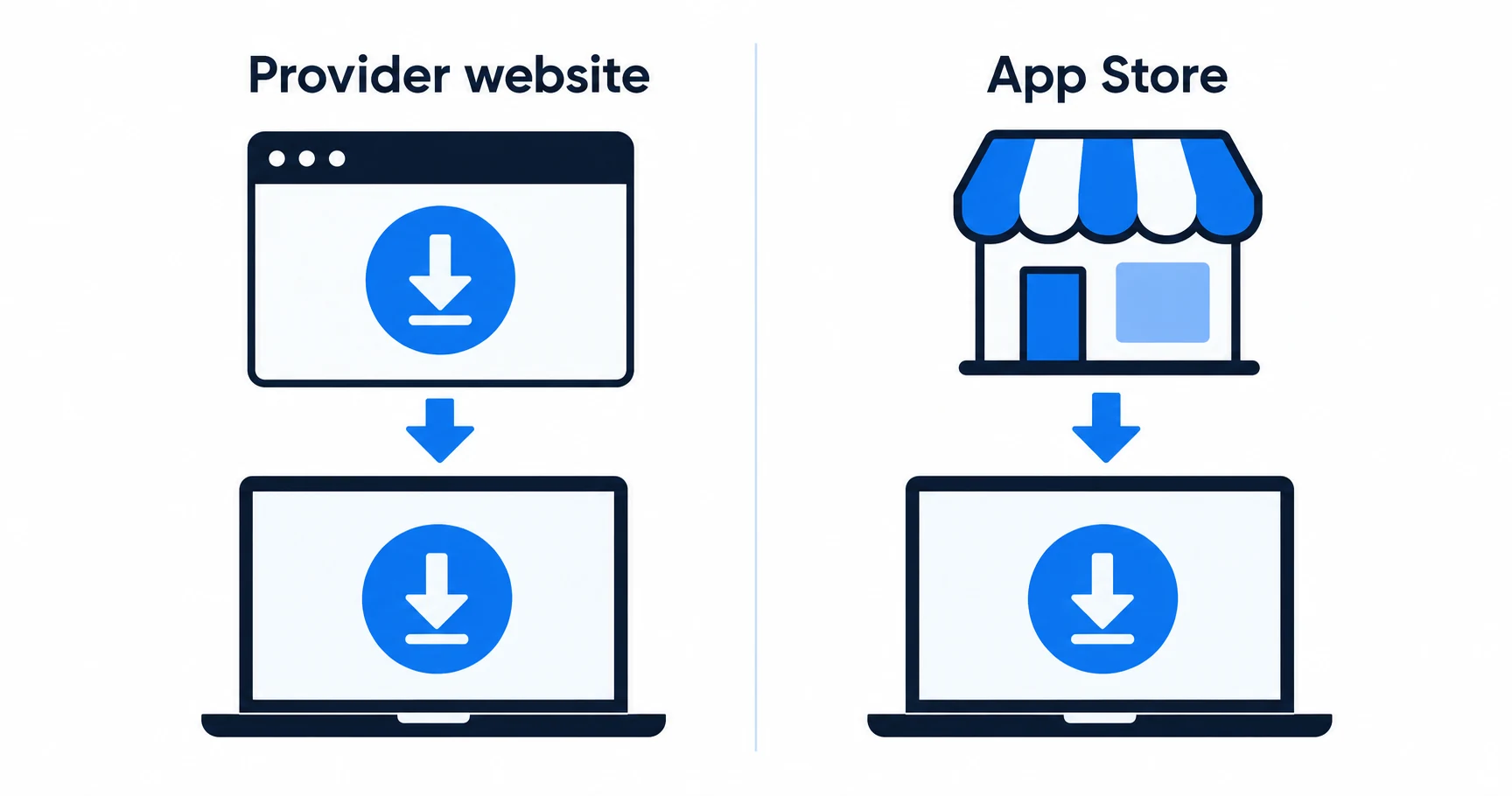
| Download channel | Website and App Store releases may differ | The exact channel's feature documentation |
| Purchase channel | Billing and cancellation can be handled separately | Who takes payment and processes requests |
| Required function | A brand-wide feature page can be misleading | Explicit support in this Mac app and plan |
The app source and billing source are not necessarily the same thing. An existing account may be usable in an app obtained elsewhere, but that does not move an existing subscription to a different billing system.
Website download or App Store?
Use the provider's Mac documentation to choose. Surfshark offers a current Mac download route alongside App Store and older-version references. Check the functions in the version you intend to install; the fact that two installers carry the same brand does not establish identical behavior.
Pay particular attention to split tunneling, which sends selected traffic outside the VPN, and to what a kill switch blocks when the connection fails. Do not transfer a Windows feature claim to a Mac. If a support page does not explicitly cover your version, ask the provider before making that feature the reason to subscribe.
A browser extension creates another distinct option. It can be appropriate for a browser-only task, but it does not prove coverage for Mail, a sync client or another application. The Firefox app-versus-extension comparison explains that scope.
Older software deserves a separate check
An older installer can make a legacy system usable without demonstrating ongoing security maintenance. Check whether the provider still updates that version and whether your macOS release remains supported. A download link alone does not answer either question.
Surfshark's macOS 12 minimum concerns its current app as described on the reviewed download page. If your Mac cannot meet it, investigate the documented older-version policy before committing. Do not assume a new subscription entitles you to a currently maintained app for every old system.
The same principle applies to any provider: compatibility is a relationship between your hardware, system release and application version. A comparison based only on “Mac supported” conceals the part that can stop an installation.
What a paid plan needs to add
Proton's free Mac service provides a documented starting point without a data cap. Its published kill-switch and reconnect functions should still be checked in the current app and configured as the documentation requires. Free access does not imply unrestricted choice of servers or every paid feature.
Write down the restriction you expect payment to remove. If it is a location requirement, check the paid plan's access. If it is simultaneous use on other devices, count them. If it is filtering, verify the Mac implementation and the plan tier. For incoming connections, the port-forwarding guide explains why Proton's macOS early-access status matters.
Include the full charge and renewal term in the decision. A monthly equivalent for a long subscription is not a month-to-month price. Our trial and refund guide helps separate an evaluation period from a paid purchase with a refund policy.

Check the way you use the Mac
After a supported installation, try normal work before making a long-term commitment: a video call, an ordinary download, any local printer or file share you need, and reconnection after sleep. These are suggested reader checks, not a record of VPNVertex testing.
If local access fails, consult the provider's local-network and split-tunneling guidance for that app. Avoid changing several controls simultaneously. Record the change and confirm whether it fixed the specific problem without excluding traffic you intended to protect.
Mac VPN questions
Choose the app you can maintain
Start with a supported macOS release and the correct download channel. Pay only when the documented Mac features meet a need that the free option does not. If the same account will serve a tablet, check what the paid plan adds on iPadOS before subscribing.
Sources
Provider statements are attributed below. Publication dates and current availability can differ; the review date records when the cited documentation was examined.
- Surfshark: macOS requirements and downloads
Reviewed October 14, 2026. - Proton VPN: free Mac service
Reviewed October 14, 2026. - Proton VPN Support: port forwarding
Reviewed October 14, 2026. - NordVPN: Mac download requirements
Reviewed October 14, 2026.