

Lifestyle
VPNs for Linux: check your distro, app package and missing features

Linux compatibility depends on distribution, architecture and the available package.
“Supports Linux” is only the first line of a compatibility check. Your distribution, desktop environment, processor architecture and package source can determine whether a VPN app has the functions you need. Compare the actual installation, not a logo beside the word Linux.
Choose the package before the plan
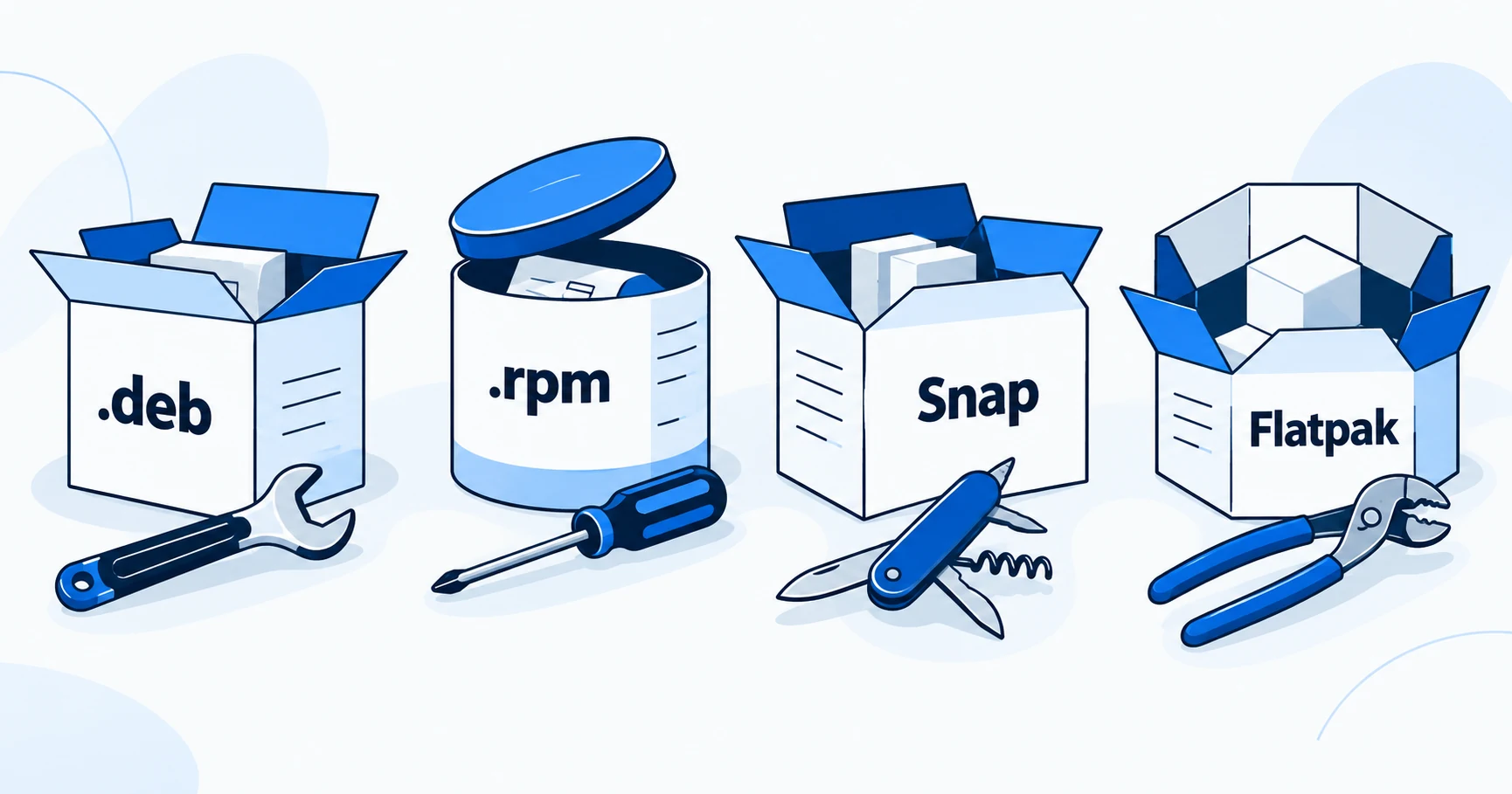
NordVPN publishes a Linux compatibility list; Surfshark and Proton VPN publish useful distinctions between their Linux installation methods. Surfshark documents a kill switch for its .deb and Snap packages but says that its Flatpak package does not have it. Proton distinguishes its supported native packages from Snap limitations and identifies Flatpak as maintained by third parties.
If a kill switch or split tunneling is essential, eliminate any package that lacks it before comparing prices. A package that installs successfully is not proof that it has the same feature set or support status as another version from the same provider.
How this guide was researched
This guide compares published provider documentation and the limits stated in the sources below, reviewed on October 14, 2026. Recommendations follow the specific compatibility or plan requirement explained in the article. VPNVertex has not performed device, speed, leak or streaming tests for this guide. Suggested checks are tasks for the reader, not reported test results.
Our research methodology explains how we distinguish provider statements from independent evidence.
Compare provider support before package features
| Service | Documented Linux approach | Useful first filter |
|---|---|---|
| NordVPN | GUI and CLI; compatible .deb/.rpm distributions and Snap | Compare your exact distribution and desktop with the official supported list |
| Surfshark | Linux packages with feature differences between installation methods | Use the package matrix below when a kill switch is required |
| Proton VPN | Official Linux installation methods, free and paid access; community Flatpak is distinct | Separate supported native packages from package-specific limitations |
There is no universal Linux winner. A provider that supports your distribution but lacks a required function in your chosen package should leave the shortlist. Confirm architecture, package source and update path before comparing subscription terms.
Documented differences that affect the purchase
| Provider or package | Published detail | Decision it informs |
|---|---|---|
| Surfshark Linux | Lists Debian 11+, Ubuntu 20.04+ and Mint 20+ among supported systems | Check your distribution and version against the current list |
| Surfshark .deb / Snap | Kill switch documented | Investigate these packages when that function is required |
| Surfshark Flatpak | Kill switch not available | Do not treat it as equivalent to the other packages |
| Proton Snap | Documented limitations include split tunneling, some protocols and ARM support | Read the current limitations for the feature and architecture you need |
| Proton Flatpak | Third-party maintained | Differentiate community packaging from official provider support |
These are documentation-based differences, not results from a VPNVertex Linux test. They can change with app releases, so match the provider's current setup page to your exact package.
Write down your environment
A useful request to a support team includes the distribution name and release, desktop environment, processor architecture and installation method. “Linux laptop” omits information that may determine whether the provider supports it.
Distribution families are not identical releases. Being based on Ubuntu does not automatically put a derivative on a vendor's official support list. Likewise, an application that runs on an x86-64 desktop may not support an ARM device through the same package.
Desktop integration matters too. A graphical app can depend on components that differ between desktop environments. If a command-line client is your preferred route, confirm that the required functions are exposed there. A GUI announcement does not establish parity with the CLI.
A manual tunnel can leave out app functions
Proton documents manual WireGuard and OpenVPN approaches alongside its applications. A manually configured tunnel can be useful, but do not assume that it includes the app's reconnect behavior, filtering controls or kill switch. Establish how those requirements will be implemented in your configuration.
Protocol choice and package choice are related but separate. Our protocol comparison explains the terms; the WireGuard setup guide covers that specific route. This article does not replace either with untested distribution-specific commands.
For a development machine, consider what must remain reachable when the VPN is on: package repositories, a local service, containers or a company network. Write down the requirement before enabling exclusions. A setting called split tunneling may not be present in the package you chose.
A small acceptance check for your installation
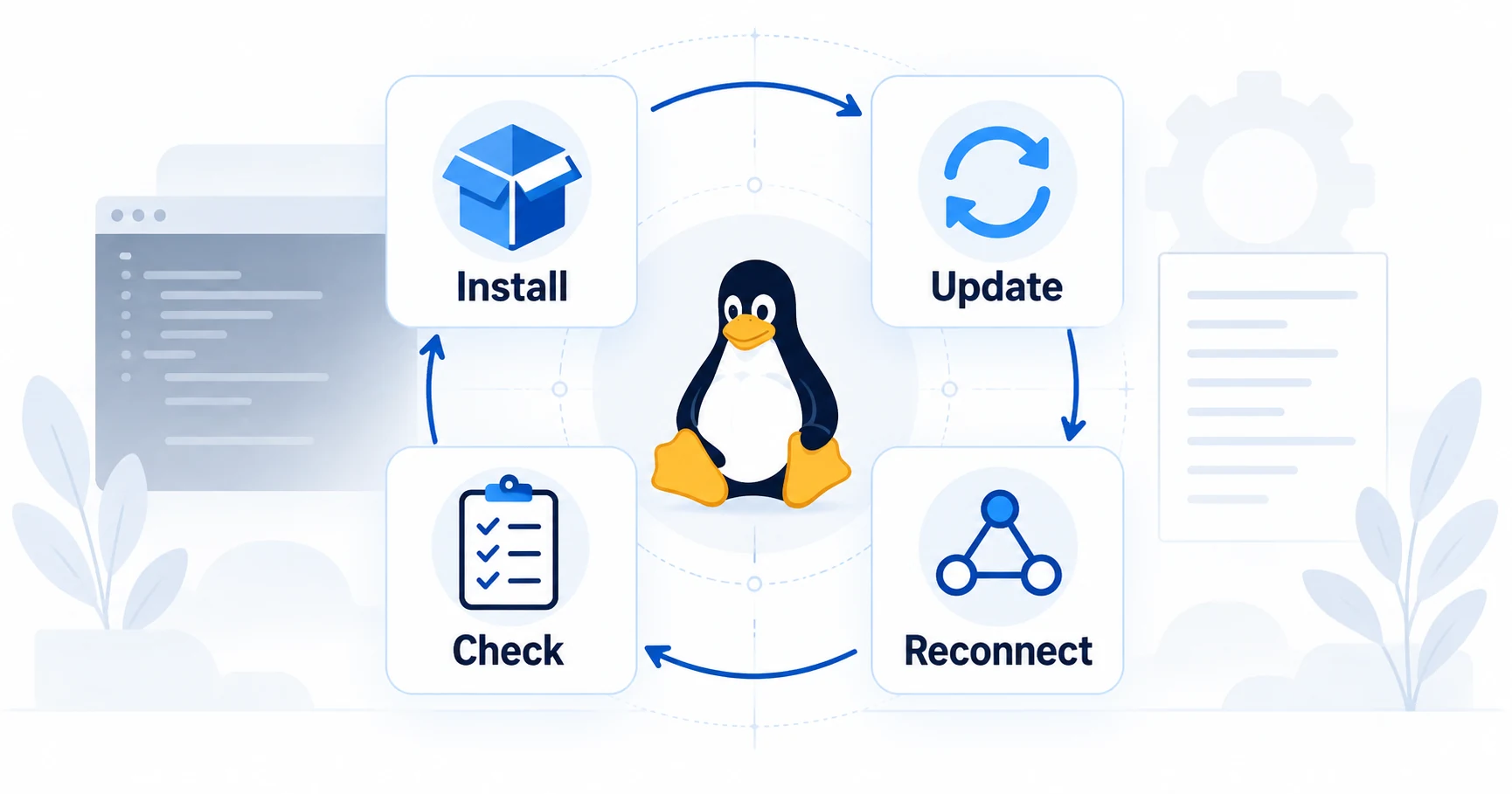
- Confirm that the package comes from the official source or an explicitly identified community maintainer.
- Record the app version and the supported distribution requirements.
- Connect and confirm that the applications you intend to route still work.
- Check the provider's documented disconnect and kill-switch behavior.
- Review startup and reconnection after reboot or sleep.
- Verify how the package receives updates and how to restore normal networking if removed.
Those checks are tasks for your environment. We have not run them for this comparison, and there is no claim of measured leak prevention or speed. Keep a known recovery path before changing network policy on a machine you depend on.
If an incoming port is another requirement, use the port-forwarding comparison. Its platform and server requirements need to be satisfied in addition to basic Linux connectivity.
What makes a paid Linux plan worthwhile?
Pay for a documented function you need, server access that fits the job or a supported app that reduces your maintenance burden. A long feature list for Windows is not a useful reason to upgrade a Linux machine.
Proton's free service may be enough for a basic connection, while paid features have their own requirements. Surfshark's household connection policy may matter if the Linux machine is one of many devices. Compare the simultaneous-device requirement only after establishing that the Linux package fits. If the same account will also serve a Mac, check its download channel and supported features separately.
Linux VPN questions
Buy a supported combination
The useful shortlist is a provider, plan, distribution and package together. Remove combinations that fail a required feature, then compare cost and maintenance. If port forwarding is part of your workload, resolve its dynamic-port and platform limits before subscribing.
Sources
Provider statements are attributed below. Publication dates and current availability can differ; the review date records when the cited documentation was examined.
- Surfshark: Linux packages and features
Reviewed October 14, 2026. - Proton VPN Support: Linux setup and package limitations
Reviewed October 14, 2026. - Proton VPN: Linux apps and free service
Reviewed October 14, 2026. - Proton VPN Support: port forwarding
Reviewed October 14, 2026. - Surfshark Support: simultaneous devices and household sharing
Reviewed October 14, 2026. - NordVPN Support: Linux installation and supported distributions
Reviewed October 14, 2026.